CapCut
Explore CapCut products and tools by category, feature and use case.
CapCut Plan
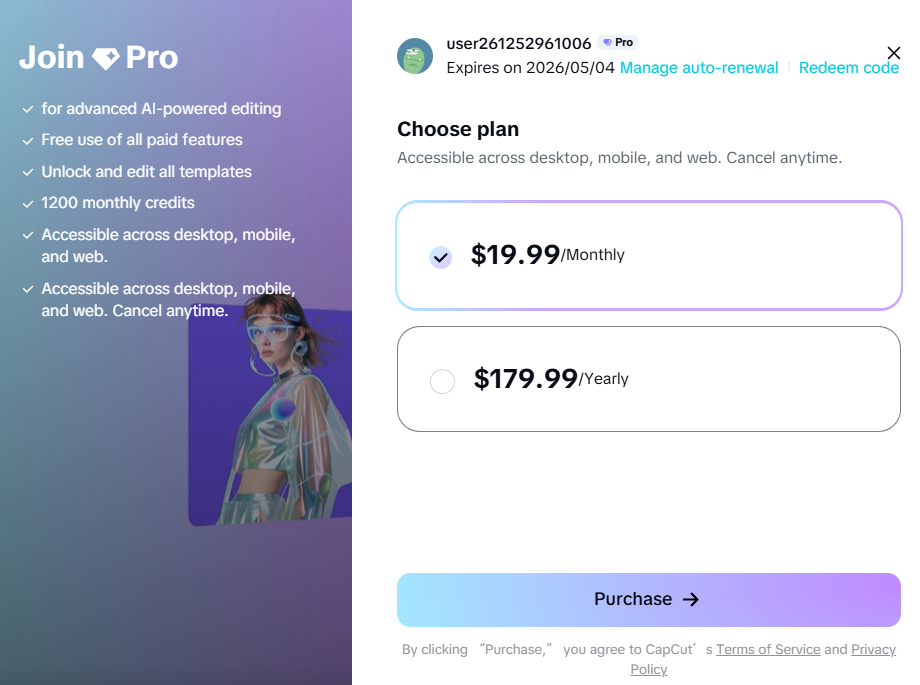
CapCut Pro
Pro is the individual upgrade path for creators who need broader AI access, premium assets, cross-platform editing and more capable production workflows.
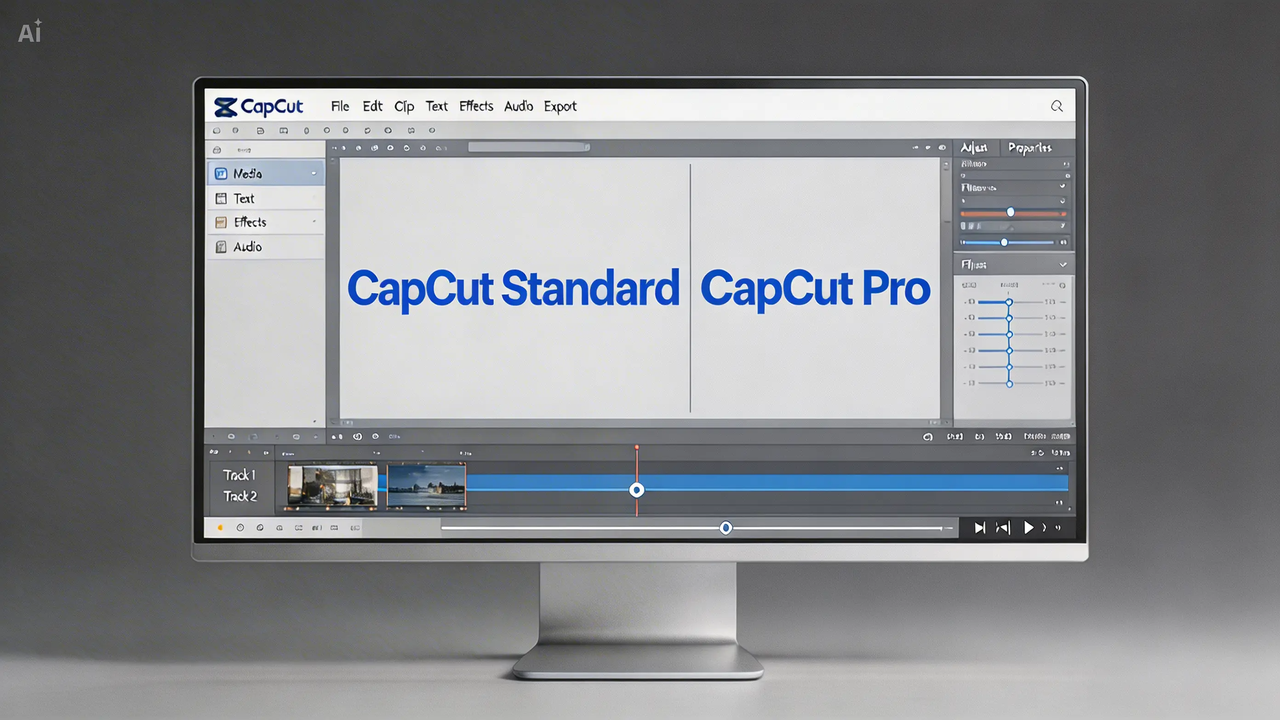
CapCut Standard vs Pro
Compare the intended use, premium assets, cross-platform access, AI tools, storage and collaboration before opening checkout.
CapCut Platform
CapCut Desktop
Use CapCut Desktop when a project needs layered tracks, precise timing, keyframes, color work and AI tools in one workspace.
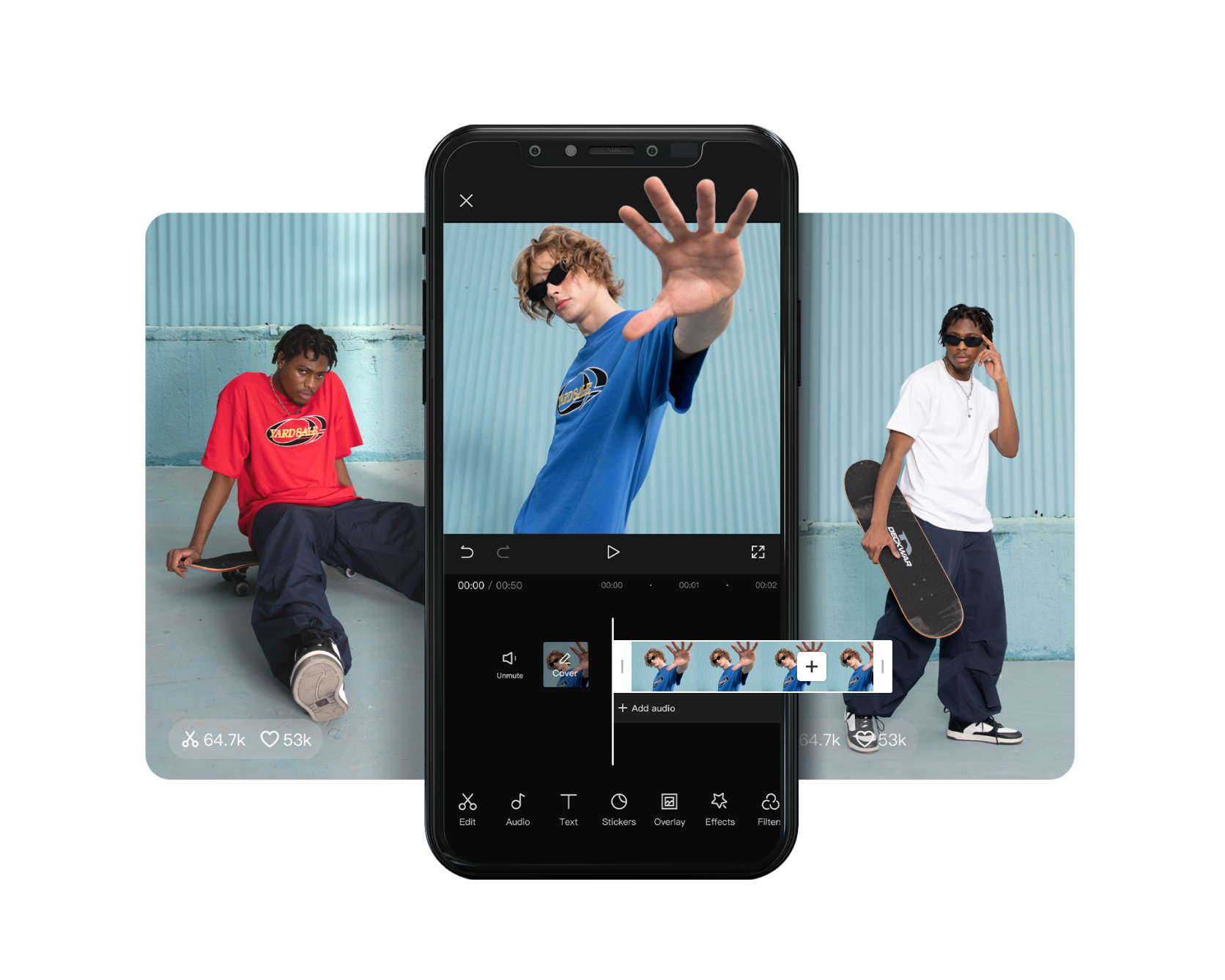
CapCut Mobile
Use CapCut Mobile for fast vertical edits, templates, effects and creator workflows that begin and end on iOS or Android.

CapCut Online
CapCut Online is the fast entry point for uploads, templates, captions, background tools and social-ready exports from a web workspace.
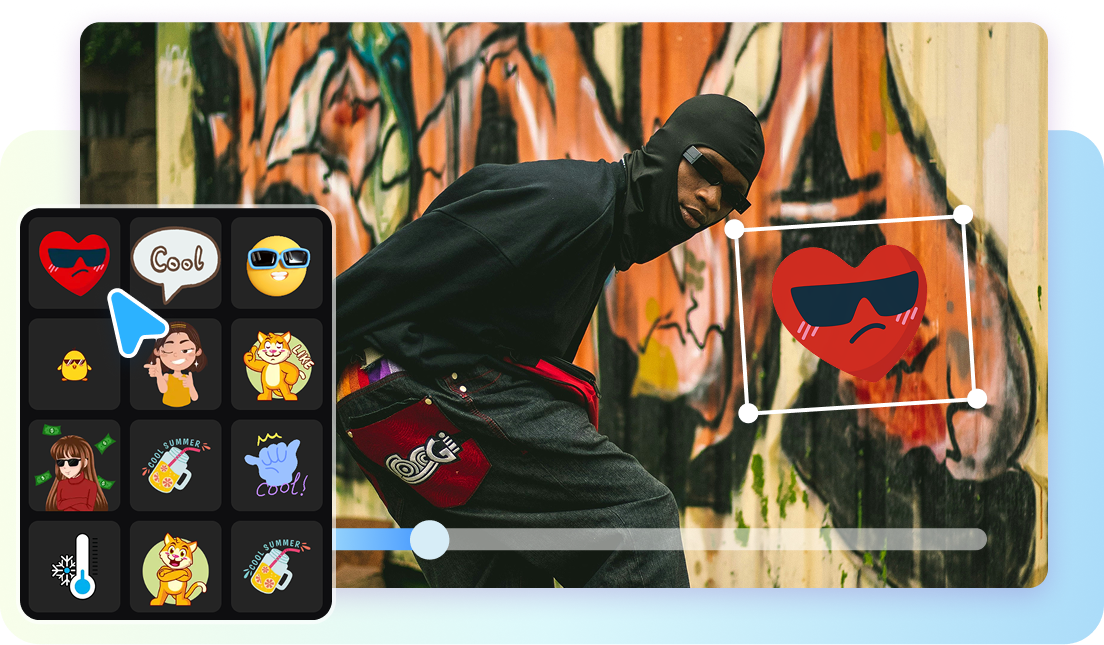
CapCut for Pad
CapCut for Pad brings multi-track editing, keyframes and AI-assisted tools to iPad and supported Android tablets.
CapCut Tool

CapCut AI Avatar Generator
CapCut combines avatar selection, script or audio input, voice choices, lip sync and editing for presenter-led videos without a traditional shoot.
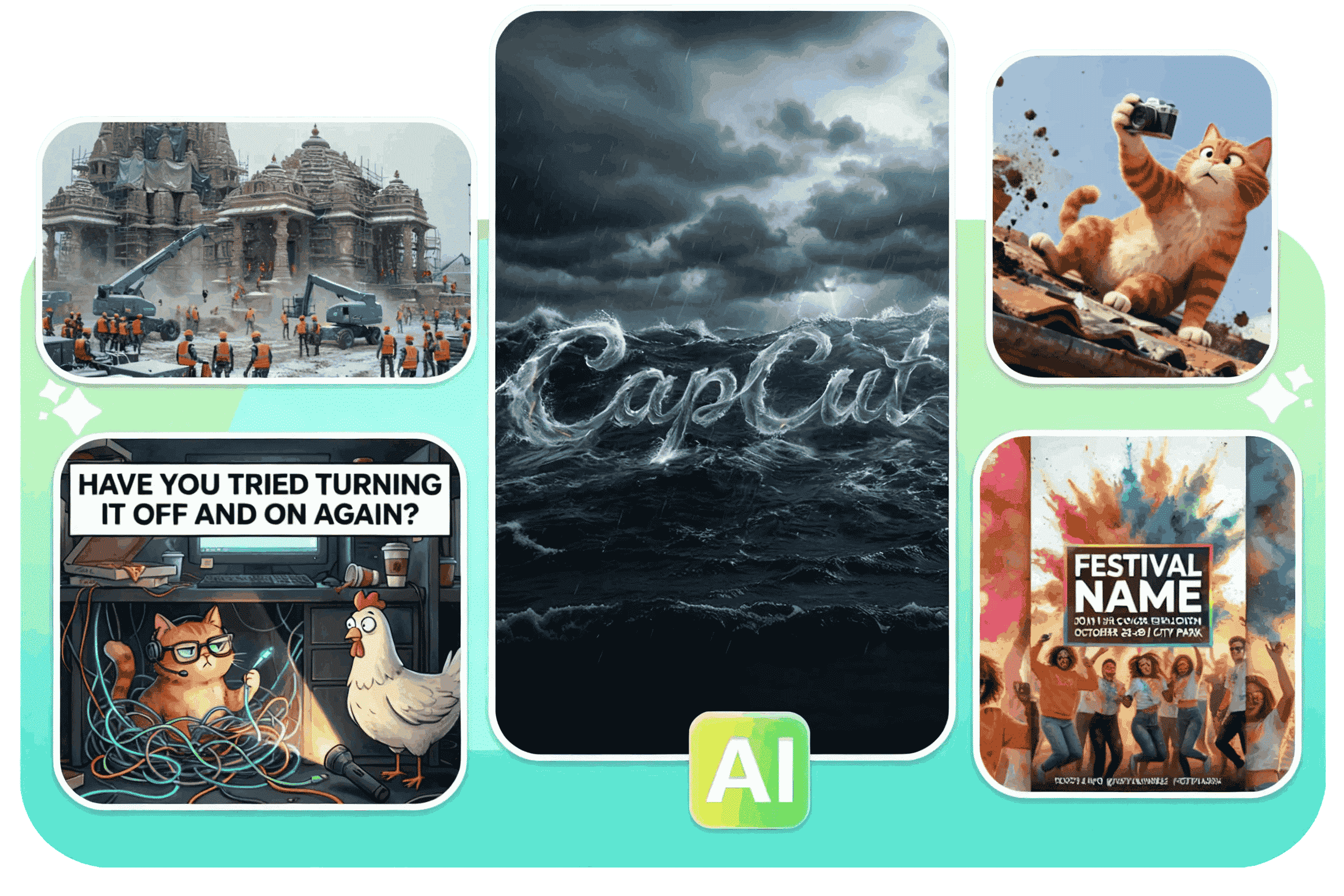
CapCut AI Design
CapCut AI Design combines prompts, layouts, cutouts, background tools and editable design elements for posters, ads and branded social graphics.

CapCut AI Image Generator
CapCut supports text-to-image and image-guided generation, then keeps the result inside an editor for cropping, enhancement, background work and animation.
CapCut AI Image Upscaler
CapCut's AI image upscaler sharpens edges, reduces visible noise and prepares photos, illustrations or product images for larger layouts.

CapCut AI Video Editor
CapCut's AI editor brings generation, captions, cleanup, reframing and enhancement into a workflow that still leaves the final timing and judgment to…

CapCut AI Video Generator
CapCut combines text-to-video, image animation, model choice and editing tools so a generated clip can move directly into a finished timeline.
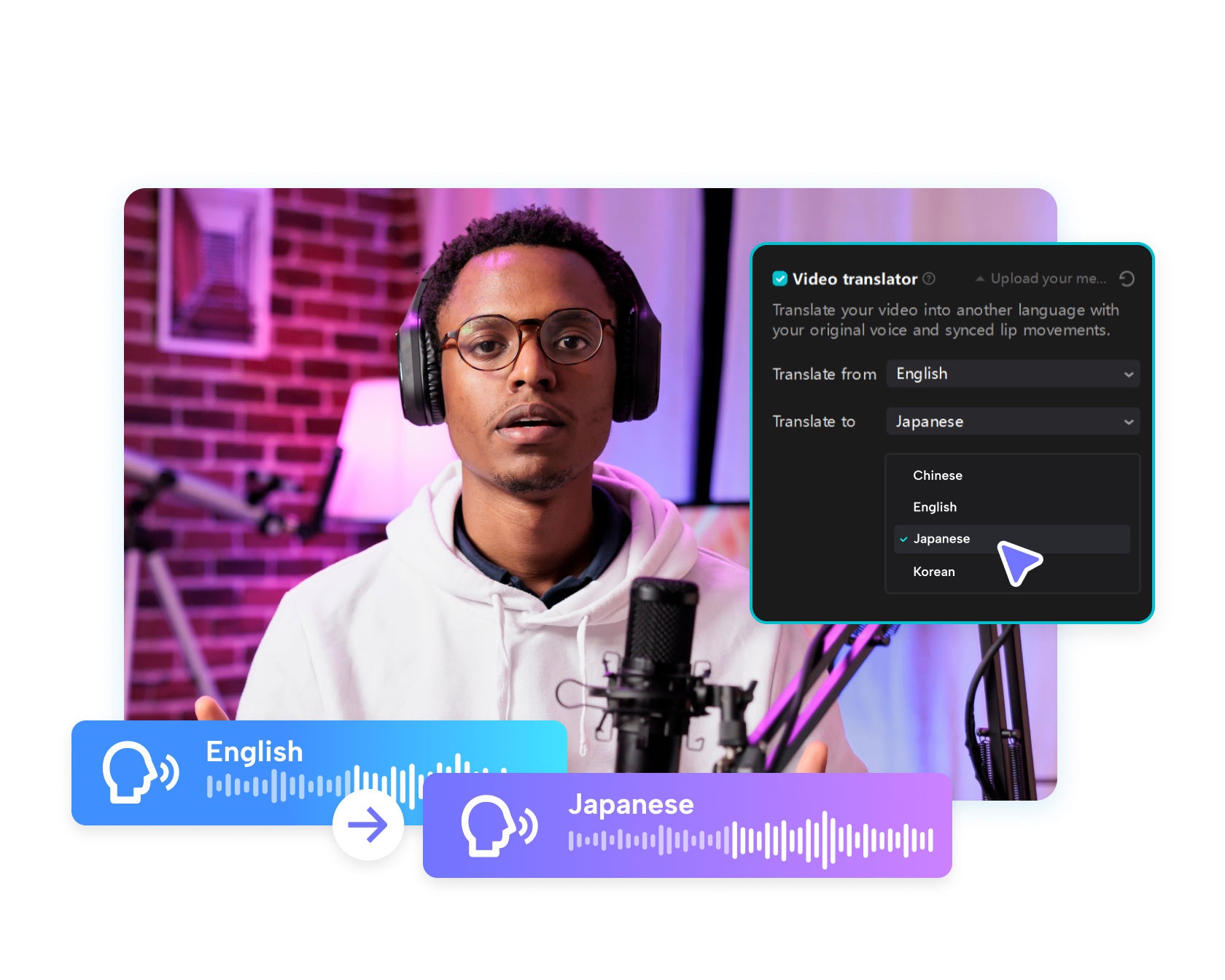
CapCut AI Video Translator
CapCut combines speech recognition, subtitle translation, dubbing and supported voice-preservation tools for multilingual video workflows.
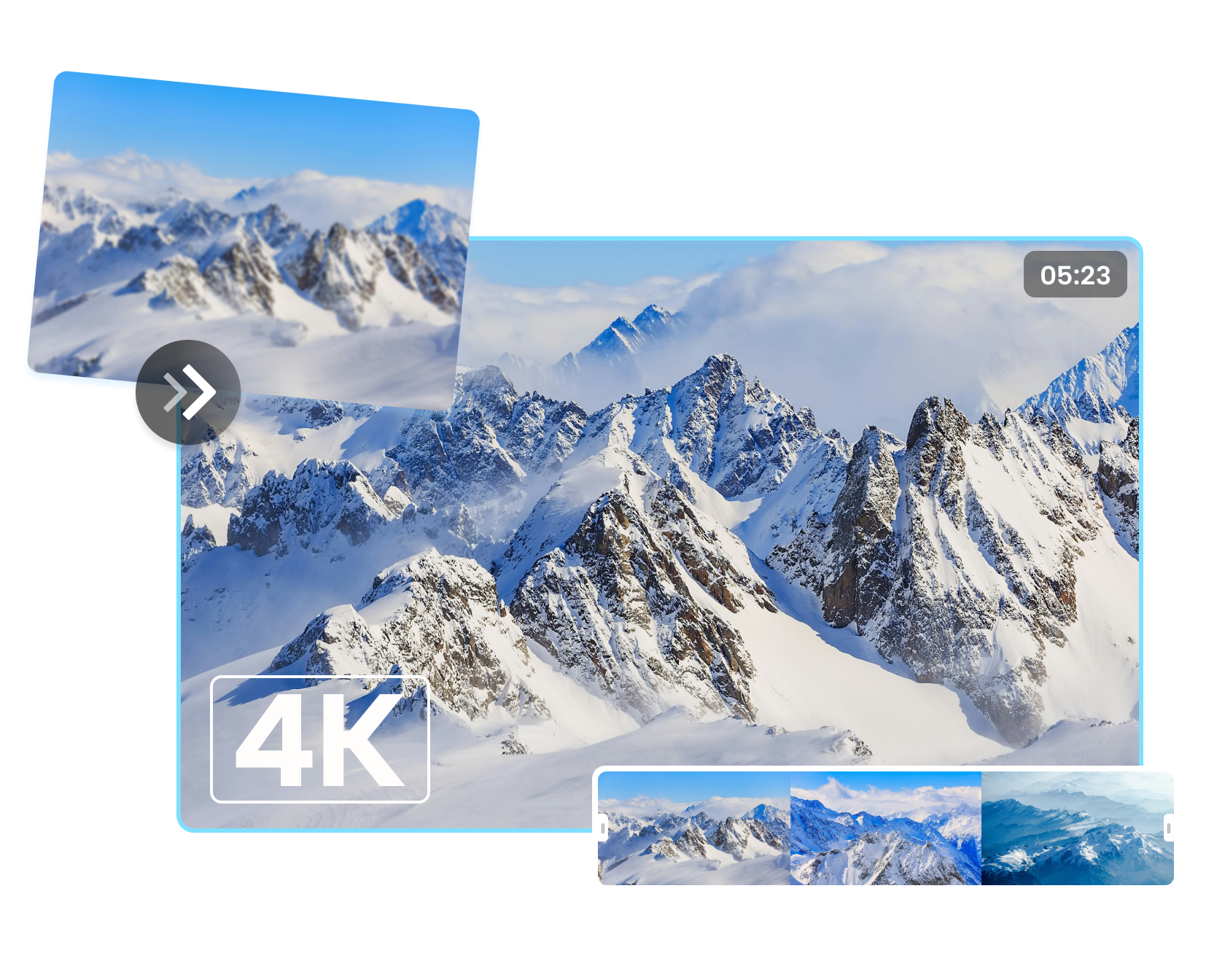
CapCut AI Video Upscaler
CapCut's AI video upscaler is designed to sharpen footage, reduce visible softness and prepare older or compressed clips for higher-resolution delivery.

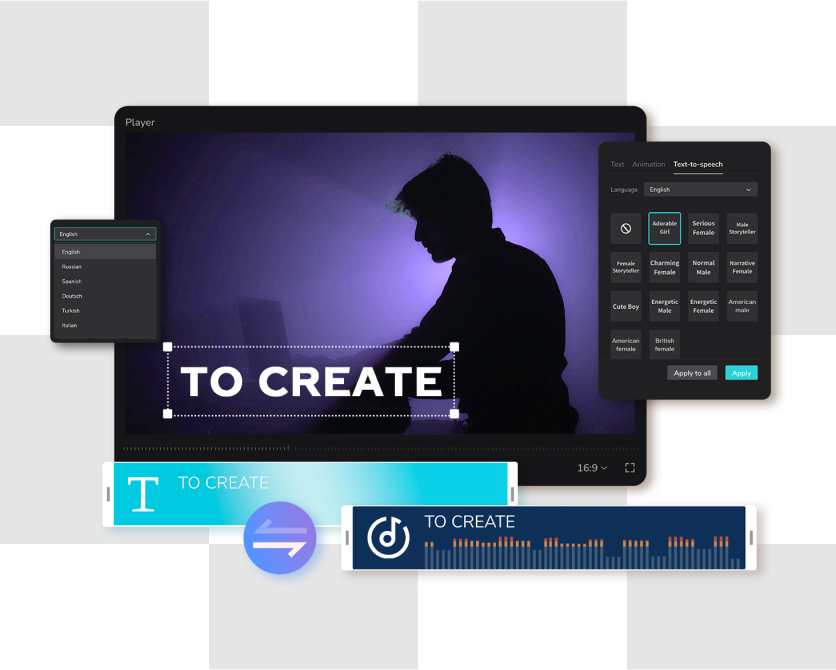
CapCut AI Voice Generator
Choose a voice, language and delivery style, then place the generated narration directly into a CapCut timeline with captions and visuals.
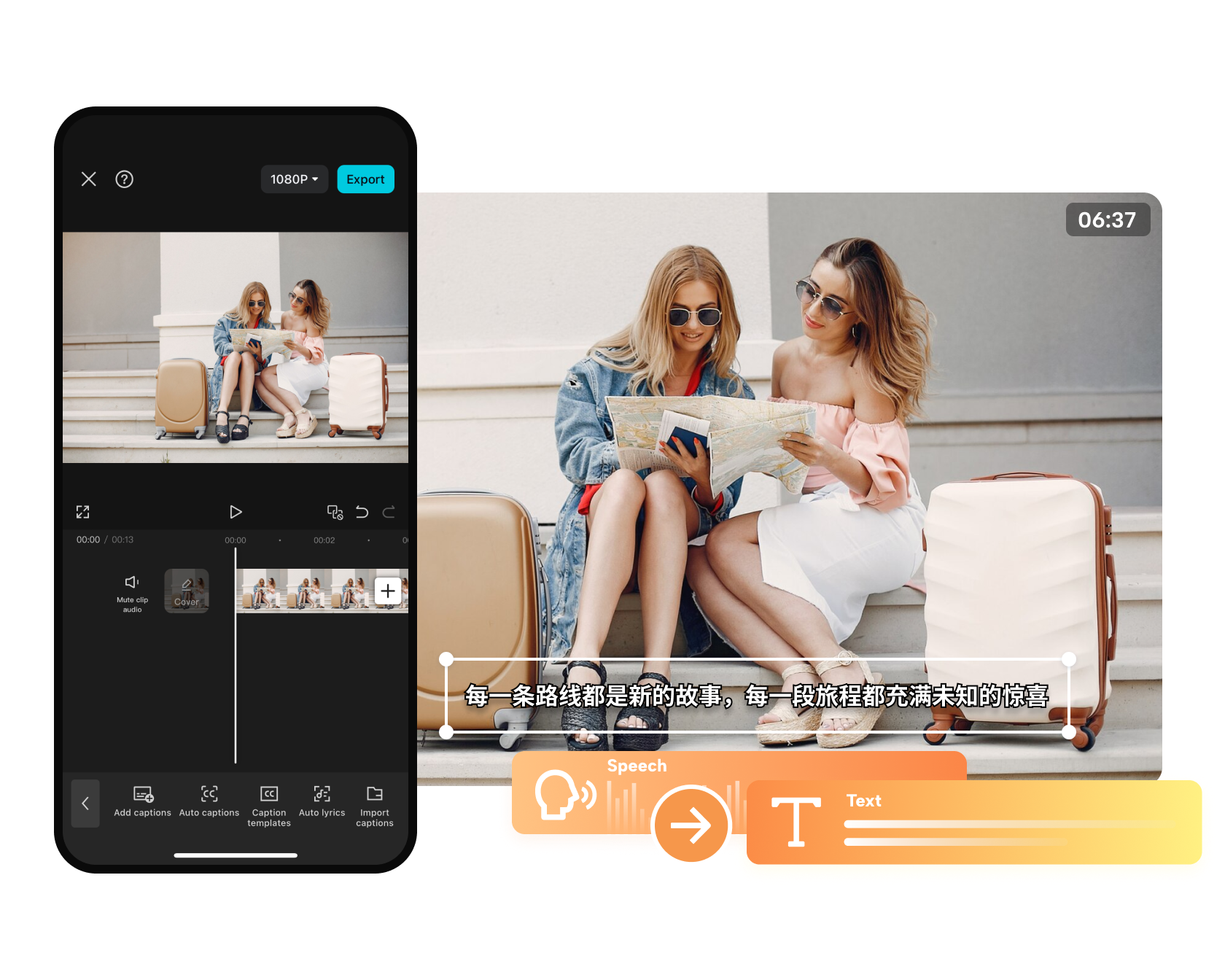
CapCut Auto Captions
Generate subtitles, correct the words and timing, then style them for Shorts, Reels, tutorials, interviews or longer videos.
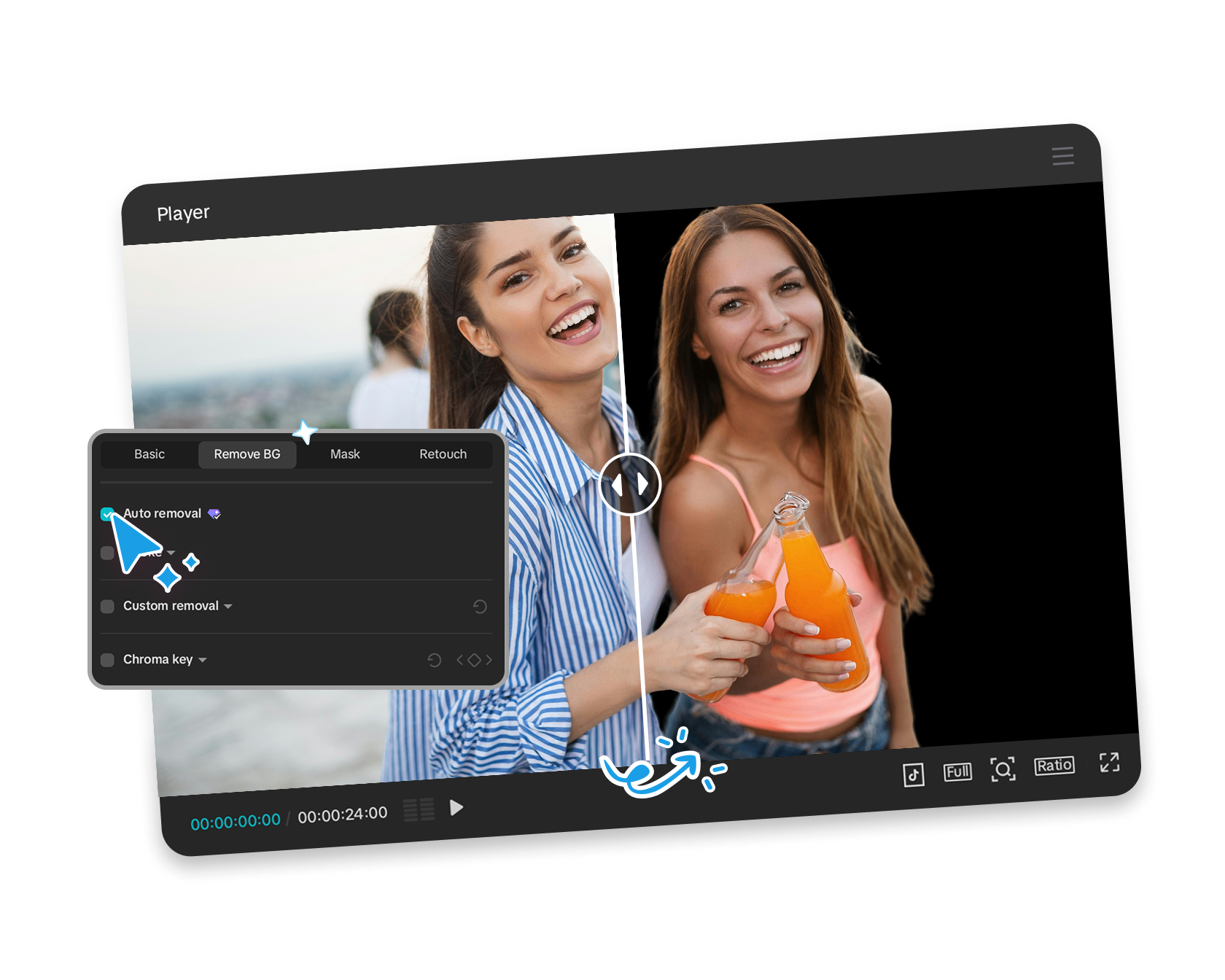
CapCut Background Remover
CapCut uses automatic subject recognition to isolate people, objects or products, then lets you replace the background with color, imagery or another…
CapCut Long Video to Shorts
Use AI-assisted clipping to identify highlights, reframe the subject and prepare several vertical drafts from one longer recording.

CapCut Script to Video
CapCut's Script to Video workflow can help generate or accept a script, pair it with visuals, voiceover, subtitles and music, then open the result for…
CapCut Transcribe Video to Text
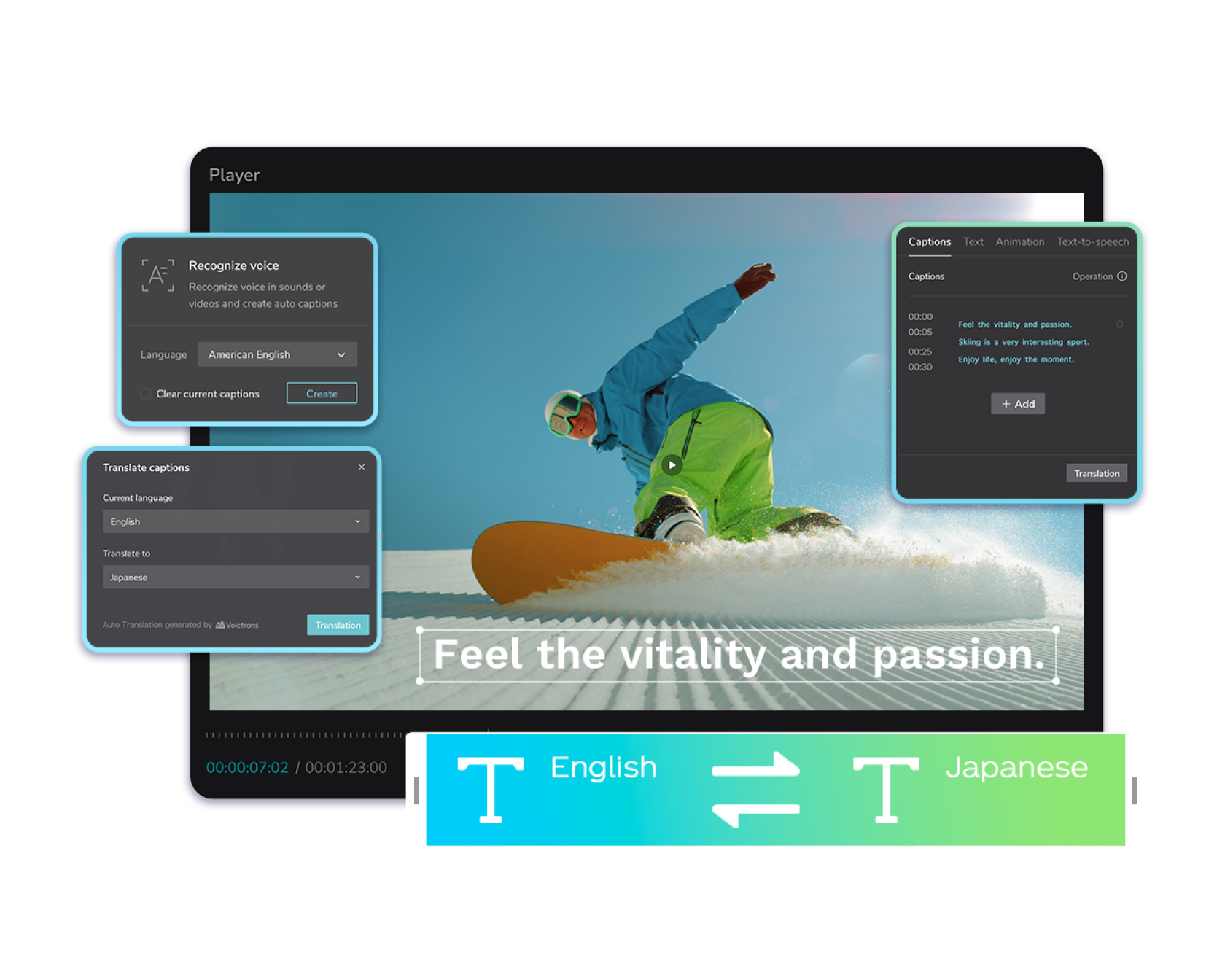
CapCut transcription can create a text layer from speech, helping with subtitles, summaries, scripts and content repurposing.
CapCut or Invideo for AI avatar videos?
Compare the two avatar workflows before deciding whether editing integration or actor-led generation matters more.