Edit-first control matches the work.
CapCut combines speech recognition, subtitle translation, dubbing and supported voice-preservation tools for multilingual video workflows.
CapCut combines speech recognition, subtitle translation, dubbing and supported voice-preservation tools for multilingual video workflows.
CapCut notes that some translation features are limited to specific regions.
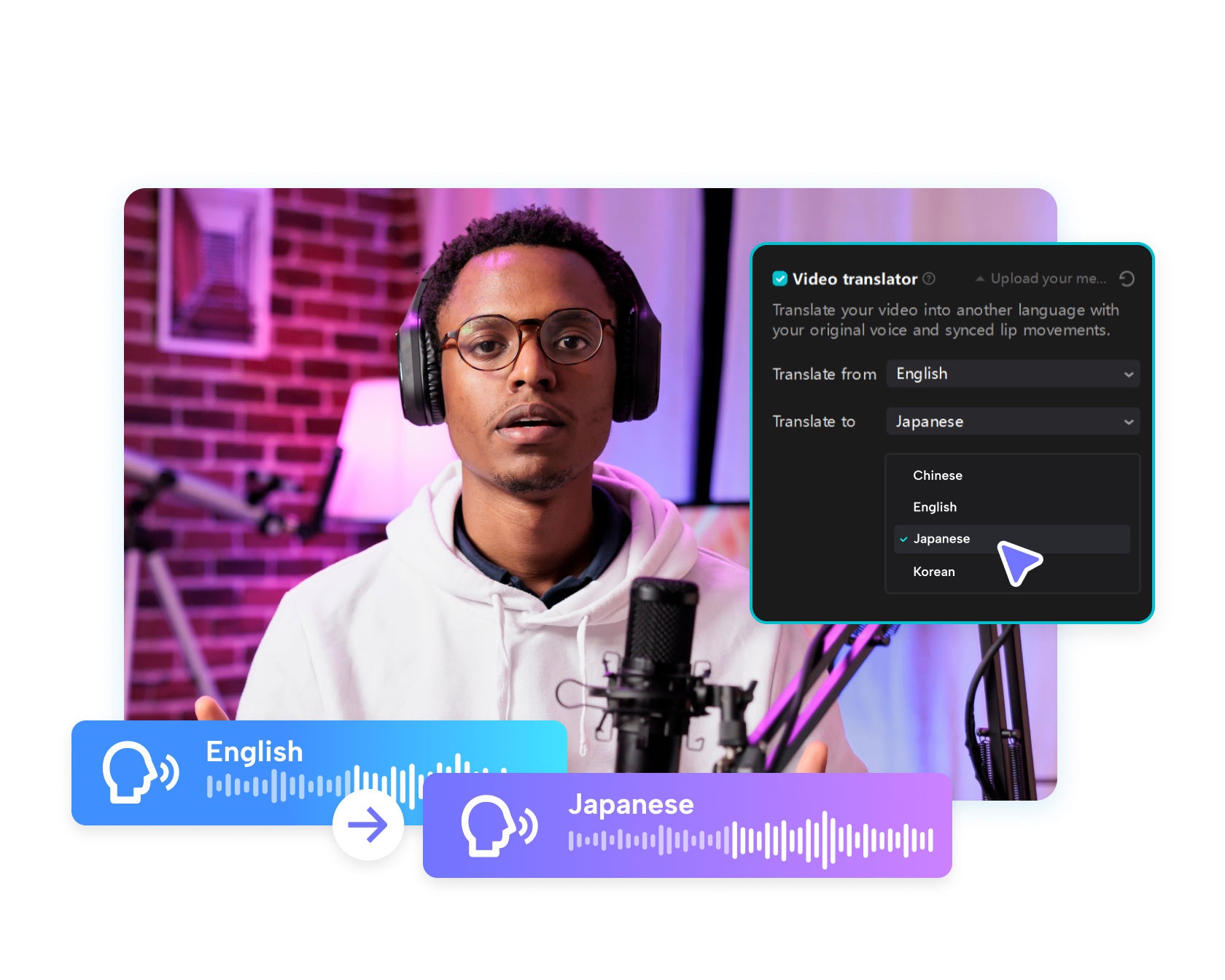
CapCut combines speech recognition, subtitle translation, dubbing and supported voice-preservation tools for multilingual video workflows.
CapCut combines speech recognition, subtitle translation, dubbing and supported voice-preservation tools for multilingual video workflows.
Create a localized version with translated narration and subtitles, then review meaning, timing and cultural fit before export.
Compare Invideo Video Translator →Use clear speech and a final script or edit.
Choose subtitles, dubbed audio or both for the audience.
Check meaning, names, tone, timing and cultural fit before release.
Make instructions available in customer languages.
Localize lessons while preserving structure and terminology.
Adapt voice and subtitles while keeping the original brand message.
CapCut presents workflows for subtitle translation and AI dubbing, with availability varying by region.
Selected features are positioned to retain speaking style or voice characteristics, but output must be reviewed.
CapCut describes supported lip-syncing in its AI translator workflow; check the current tool and language pair.
Automated translation can miss context, product terminology, humor and legal meaning.
Start with the device, task or plan that fits the work in front of you—then move directly to the official CapCut tool.
CapCut's AI editor brings generation, captions, cleanup, reframing and enhancement into a workflow that still leaves the final timing and judgment to the editor.
Generate subtitles, correct the words and timing, then style them for Shorts, Reels, tutorials, interviews or longer videos.
Use AI-assisted clipping to identify highlights, reframe the subject and prepare several vertical drafts from one longer recording.
CapCut combines text-to-video, image animation, model choice and editing tools so a generated clip can move directly into a finished timeline.
Credits are a usage currency for supported AI features. They are separate from time-based Standard, Pro and Teams subscriptions.
Compare edit-first and prompt-first video workflows.
Browse the wider task-first catalog.
Each recommendation shows why it belongs here.
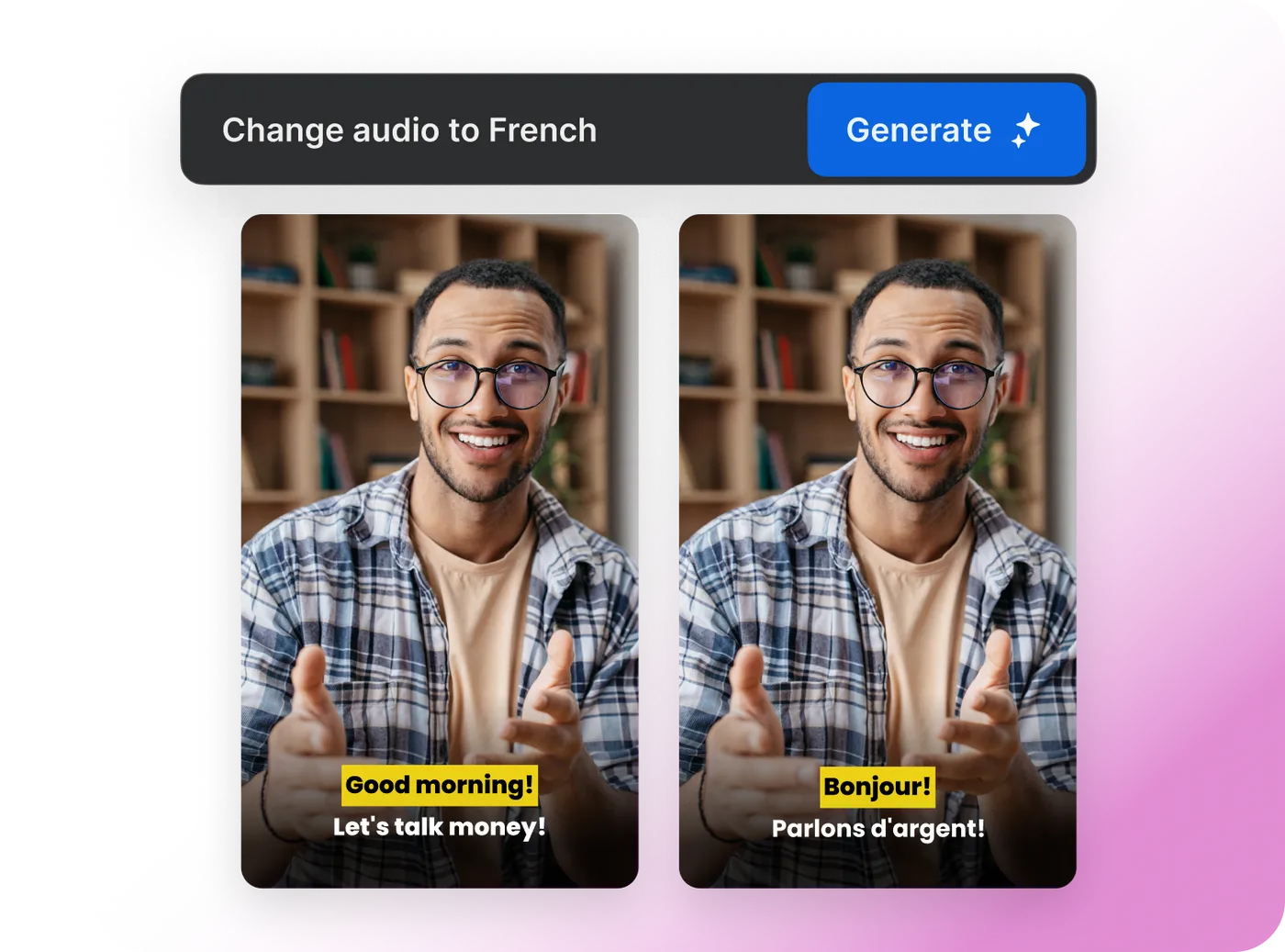
Create a localized version with translated narration and subtitles, then review meaning, timing and cultural fit before export.

Start with the topic and audience, generate the script, visuals, voice and captions, then make the result distinctive through editing and evidence.
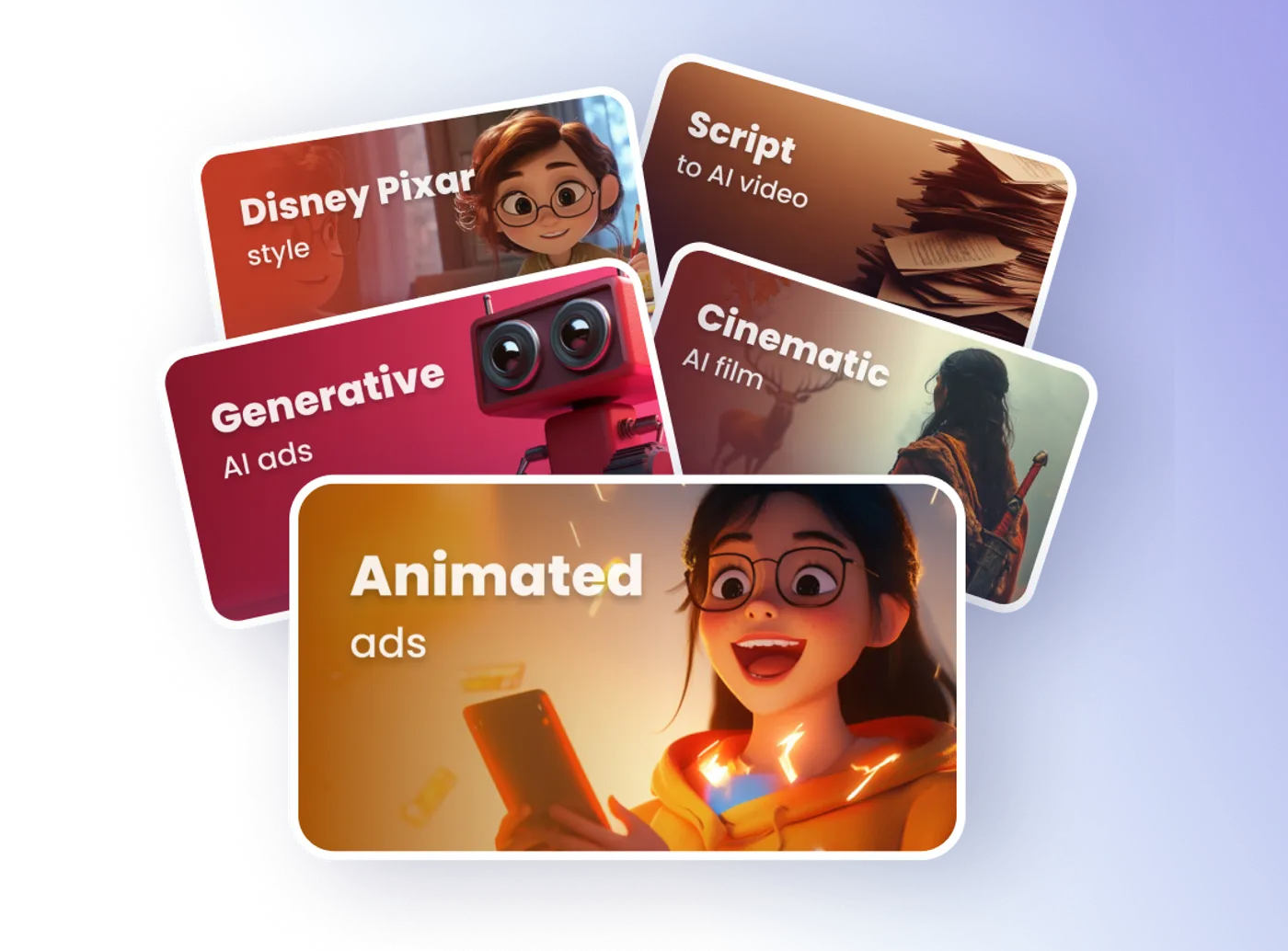
Use text instructions to adjust scenes, pacing, voiceover, subtitles and other elements without rebuilding the project from the beginning.