Edit-first control matches the work.
Pro is the individual upgrade path for creators who need broader AI access, premium assets, cross-platform editing and more capable production workflows.
Pro is the individual upgrade path for creators who need broader AI access, premium assets, cross-platform editing and more capable production workflows.
The final price and included benefits are determined by the live checkout for your region and platform.
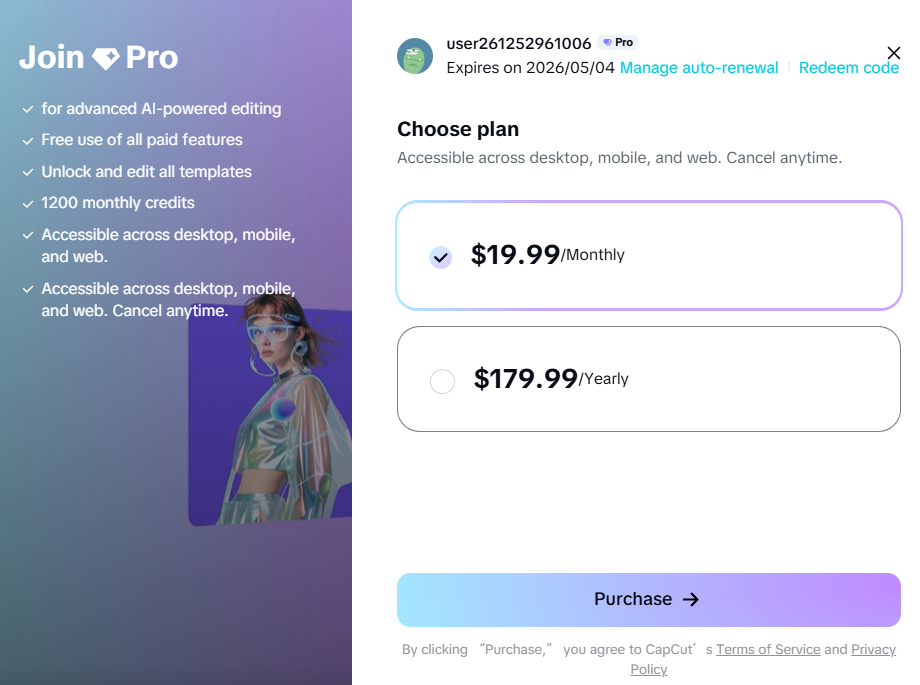
Pro is the individual upgrade path for creators who need broader AI access, premium assets, cross-platform editing and more capable production workflows.
Pro is the individual upgrade path for creators who need broader AI access, premium assets, cross-platform editing and more capable production workflows.
Estimate monthly generation, models, exports and collaboration needs, then confirm the live allowance before subscribing.
Compare Invideo Plans and Credits →Note whether assets, AI limits, storage or device switching are causing repeated friction.
Check which benefits are genuinely useful for your monthly output.
Use the official purchase flow and review renewal terms before confirming.
Reduce interruptions when premium tools are part of every project.
Access resources and workflows positioned for marketing and professional production.
Keep a broader workflow across supported desktop, web and mobile surfaces.
No. Pro is a subscription. Credits are a separate usage currency for selected AI operations.
Not necessarily. Some tools can use credits or have separate limits even for subscribers.
Follow CapCut's official purchase guidance for the platform you use and confirm the final checkout terms.
Usually not. Upgrade when premium features solve a repeated need rather than a one-time curiosity.
Start with the device, task or plan that fits the work in front of you—then move directly to the official CapCut tool.
Compare the intended use, premium assets, cross-platform access, AI tools, storage and collaboration before opening checkout.
CapCut Teams is designed for agencies, businesses and creator groups that need shared projects, templates, storage and centralized workspace management.
Credits are a usage currency for supported AI features. They are separate from time-based Standard, Pro and Teams subscriptions.
Use CapCut Desktop when a project needs layered tracks, precise timing, keyframes, color work and AI tools in one workspace.
Compare edit-first and prompt-first video workflows.
Browse the wider task-first catalog.
Each recommendation shows why it belongs here.
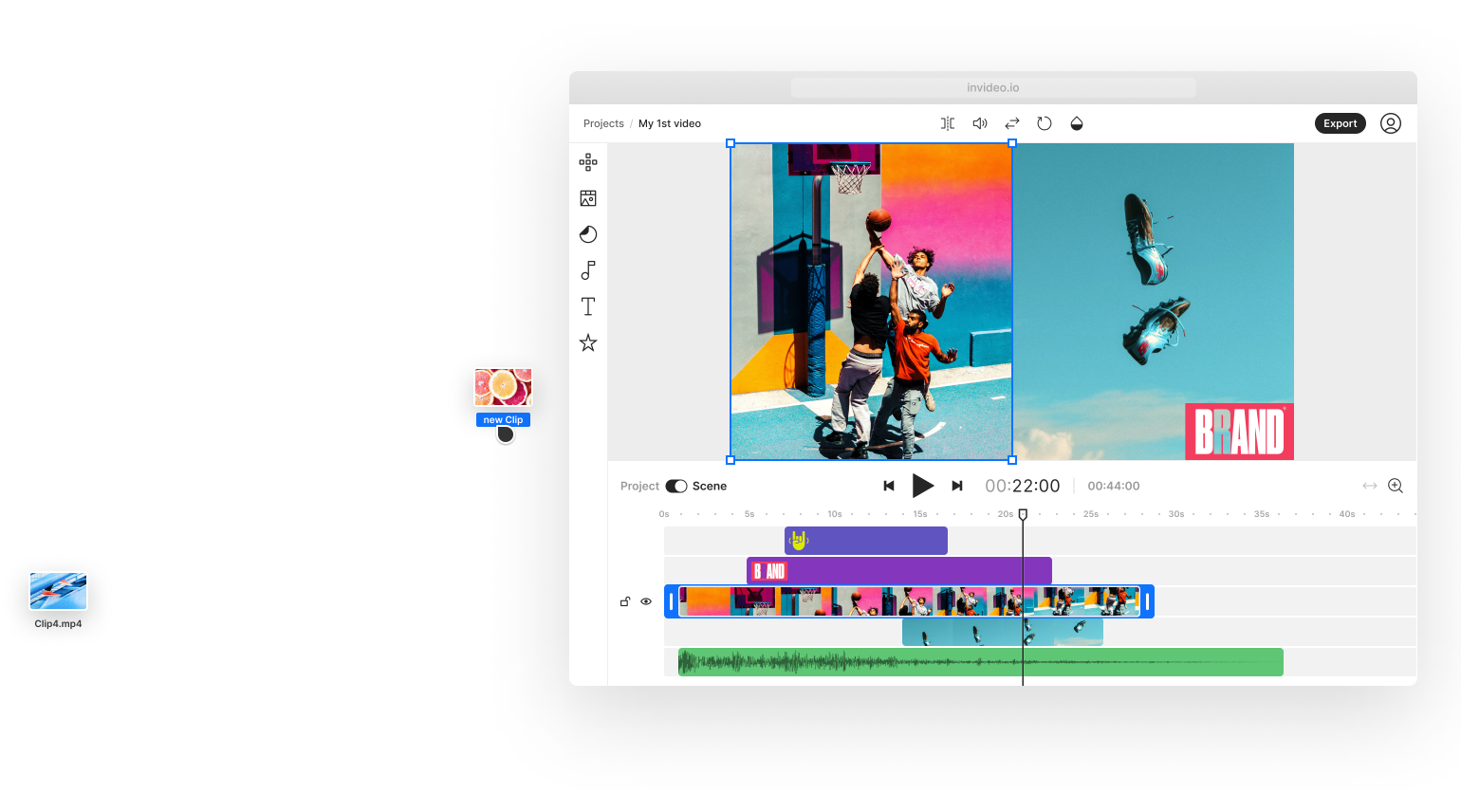
Use Invideo Studio when you need template-led, stock-supported or timeline-style editing rather than a fully prompt-generated first cut.

Describe the subject, composition and style, compare outputs, then correct the visual before animation, design or editing.

Start with the topic and audience, generate the script, visuals, voice and captions, then make the result distinctive through editing and evidence.