Edit-first control matches the work.
CapCut's AI video upscaler is designed to sharpen footage, reduce visible softness and prepare older or compressed clips for higher-resolution delivery.
CapCut's AI video upscaler is designed to sharpen footage, reduce visible softness and prepare older or compressed clips for higher-resolution delivery.
Maximum output, model choice, file limits and credit use can change.
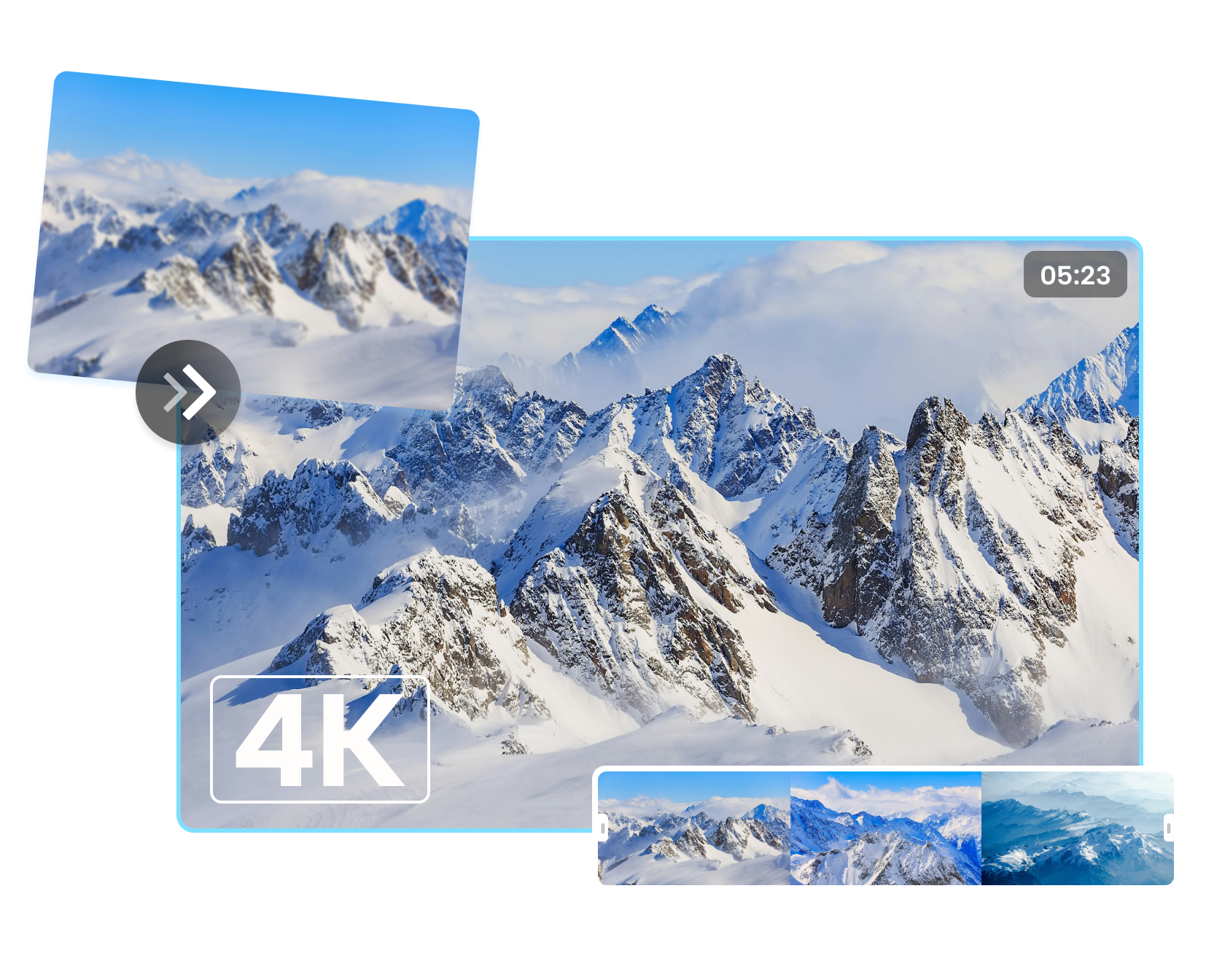
CapCut's AI video upscaler is designed to sharpen footage, reduce visible softness and prepare older or compressed clips for higher-resolution delivery.
CapCut's AI video upscaler is designed to sharpen footage, reduce visible softness and prepare older or compressed clips for higher-resolution delivery.
Begin with a prompt, image, product link, script or existing Invideo project, then open the focused workflow built for that job.
Compare Invideo AI →Avoid starting from a repeatedly downloaded or heavily compressed copy.
Choose the supported resolution and let the tool process the clip.
Check faces, text, edges, grain and motion before replacing the original.
Prepare archival or early-camera clips for modern layouts.
Improve a source that must be reused in a new campaign.
Bring weaker clips closer to the rest of the timeline.
AI can reconstruct and sharpen appearance, but it cannot guarantee recovery of the original information.
CapCut promotes high-resolution enhancement; current limits should be confirmed in the tool.
Faces, small text, hair, patterned clothing and fast motion can reveal artifacts.
Yes. Save the source separately so an enhanced version never becomes the only copy.
Start with the device, task or plan that fits the work in front of you—then move directly to the official CapCut tool.
CapCut's AI editor brings generation, captions, cleanup, reframing and enhancement into a workflow that still leaves the final timing and judgment to the editor.
Generate subtitles, correct the words and timing, then style them for Shorts, Reels, tutorials, interviews or longer videos.
Use AI-assisted clipping to identify highlights, reframe the subject and prepare several vertical drafts from one longer recording.
CapCut combines speech recognition, subtitle translation, dubbing and supported voice-preservation tools for multilingual video workflows.
CapCut combines text-to-video, image animation, model choice and editing tools so a generated clip can move directly into a finished timeline.
Compare edit-first and prompt-first video workflows.
Browse the wider task-first catalog.
Each recommendation shows why it belongs here.
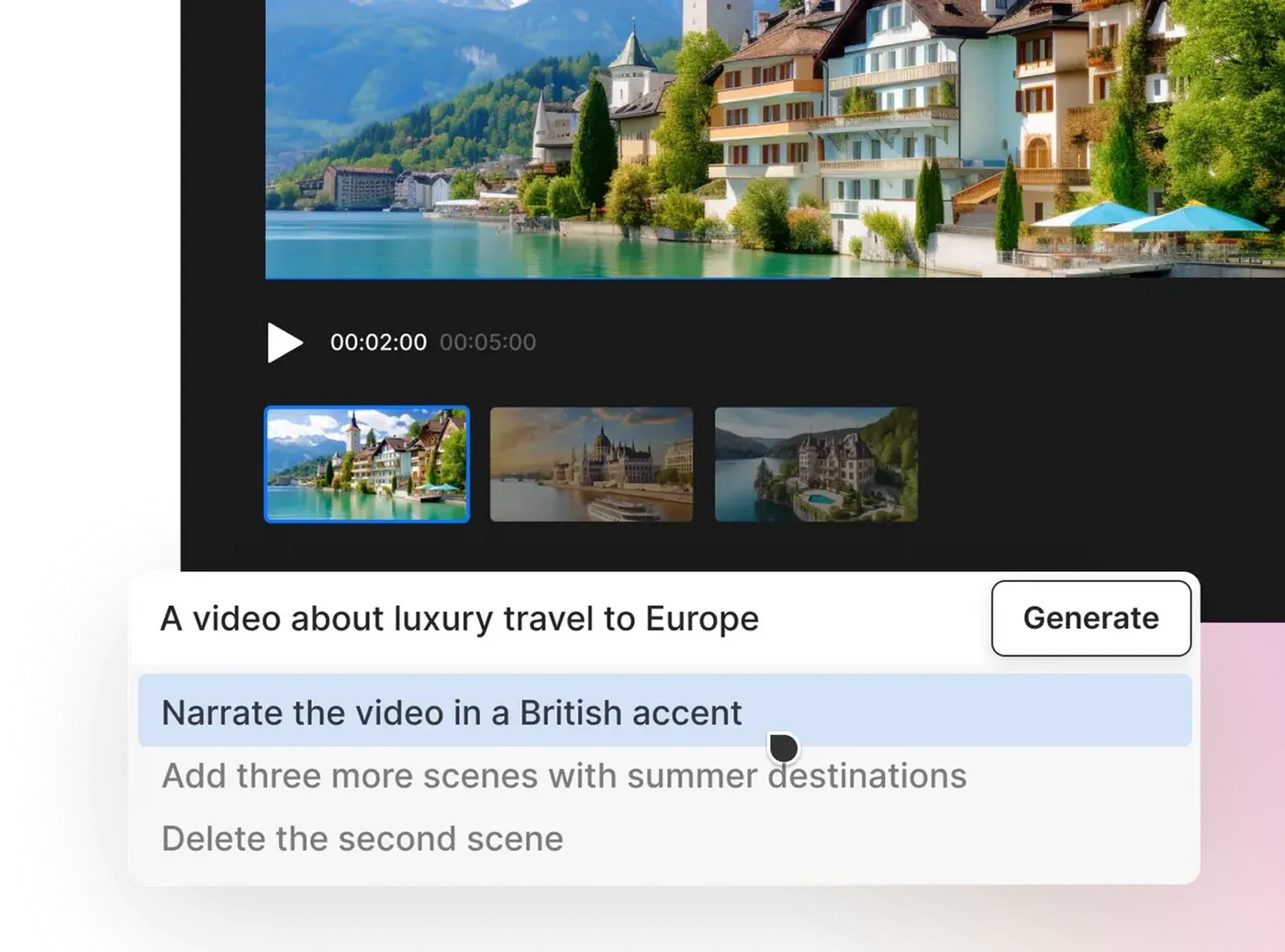
Describe the topic, audience, platform, length and tone, then let Invideo assemble a first cut that can be refined with text commands.
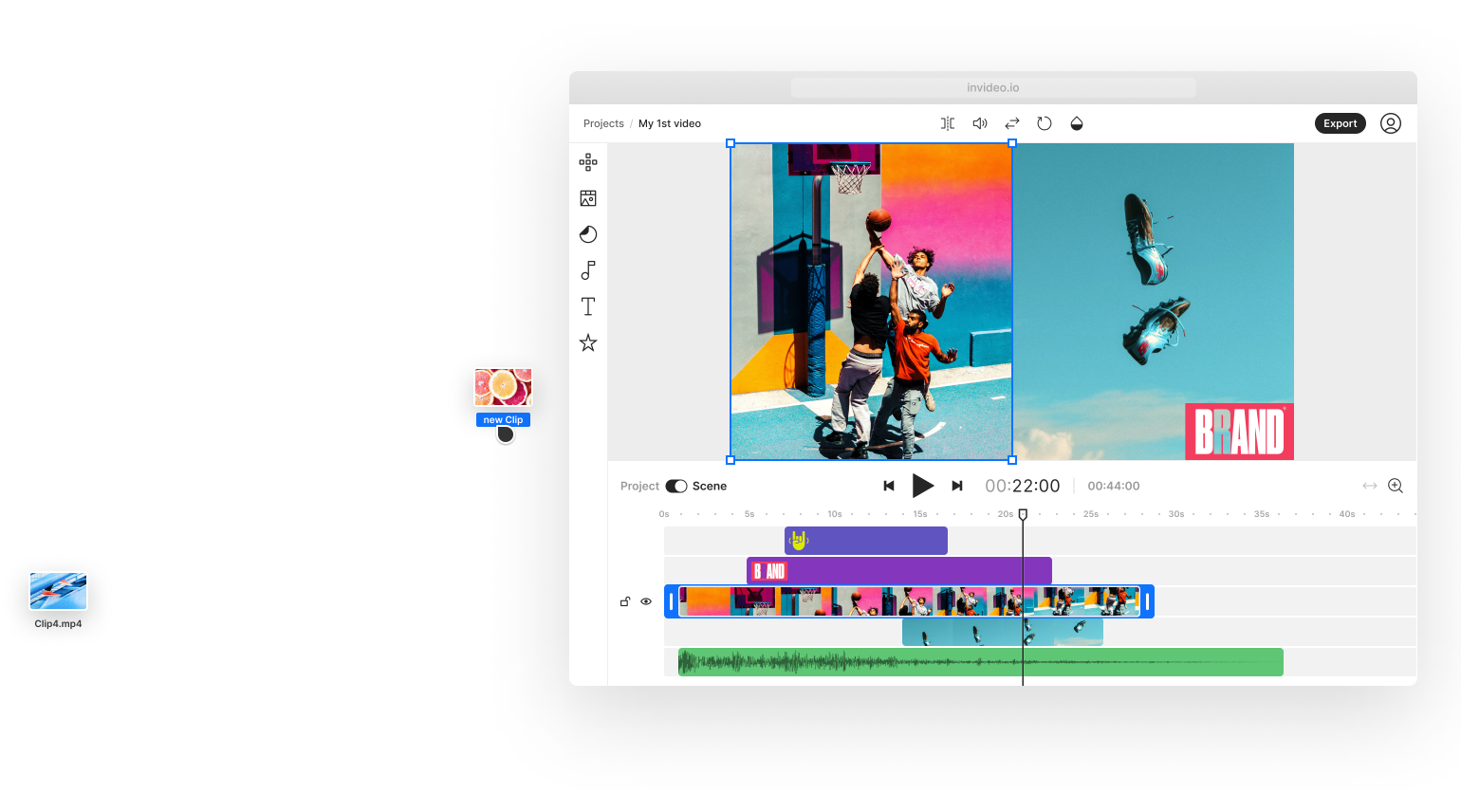
Use Invideo Studio when you need template-led, stock-supported or timeline-style editing rather than a fully prompt-generated first cut.

Define the topic, focal subject and viewing context, generate a starting design, then simplify it for small-screen readability.