Edit-first control matches the work.
Generate subtitles, correct the words and timing, then style them for Shorts, Reels, tutorials, interviews or longer videos.
Generate subtitles, correct the words and timing, then style them for Shorts, Reels, tutorials, interviews or longer videos.
Language support, recognition quality and plan access can vary by platform and region.
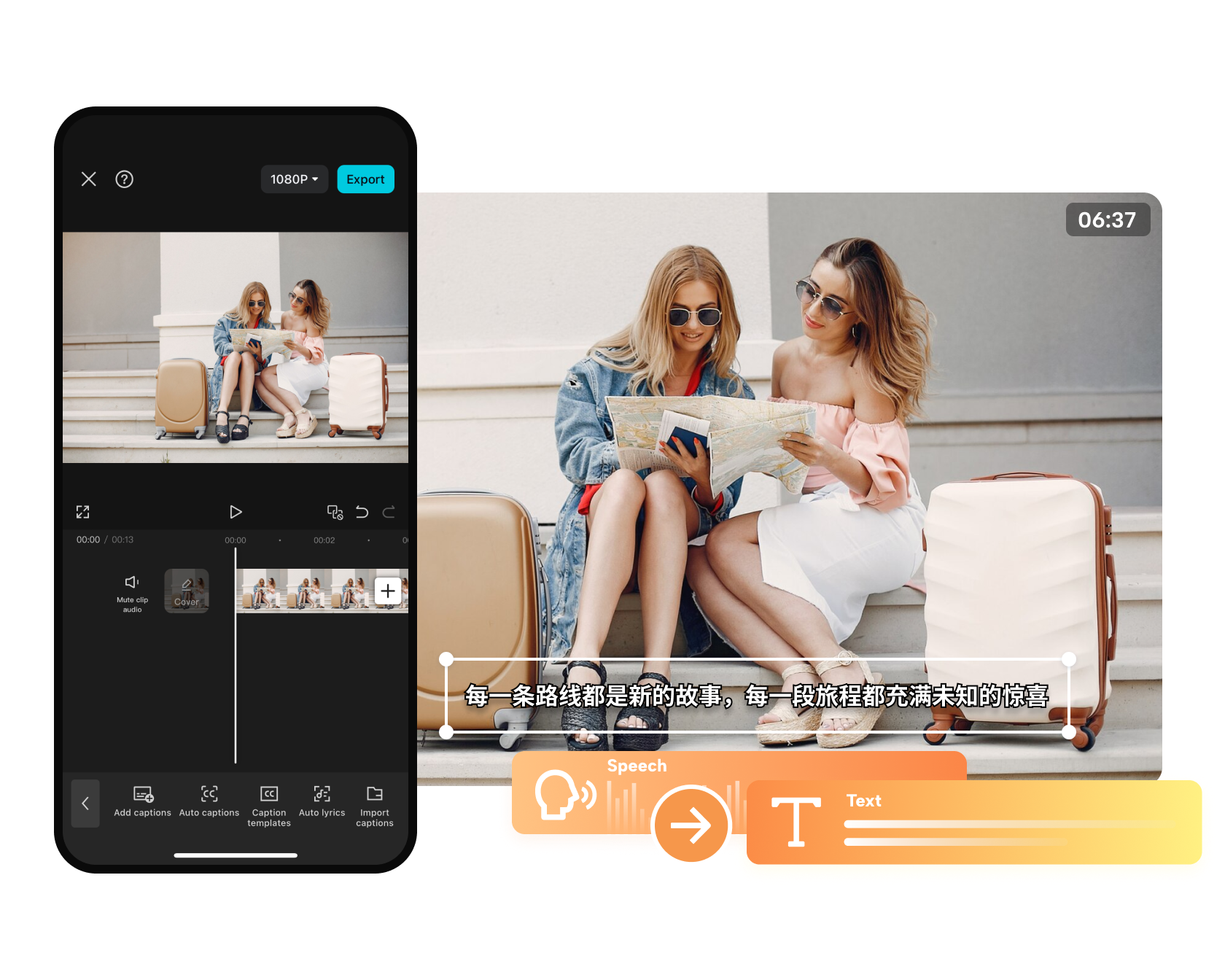
Generate subtitles, correct the words and timing, then style them for Shorts, Reels, tutorials, interviews or longer videos.
Generate subtitles, correct the words and timing, then style them for Shorts, Reels, tutorials, interviews or longer videos.
Begin with a prompt, image, product link, script or existing Invideo project, then open the focused workflow built for that job.
Compare Invideo AI →Choose the recording with the cleanest voice track.
Fix names, punctuation, timing and speaker changes.
Keep text readable, inside safe areas and away from faces or product details.
Use concise lines and highlighted words without covering the subject.
Correct product names and technical terms before export.
Break longer speech into readable phrases and review speaker changes.
Yes. Review and correct text, timing and styling before export.
Noise, overlapping speakers, accents and weak recordings can reduce accuracy.
CapCut documents the feature across several products, but specific options can differ.
They save time, but names, prices, claims and instructions still need human review.
Start with the device, task or plan that fits the work in front of you—then move directly to the official CapCut tool.
CapCut's AI editor brings generation, captions, cleanup, reframing and enhancement into a workflow that still leaves the final timing and judgment to the editor.
Use AI-assisted clipping to identify highlights, reframe the subject and prepare several vertical drafts from one longer recording.
CapCut combines speech recognition, subtitle translation, dubbing and supported voice-preservation tools for multilingual video workflows.
CapCut combines text-to-video, image animation, model choice and editing tools so a generated clip can move directly into a finished timeline.
Credits are a usage currency for supported AI features. They are separate from time-based Standard, Pro and Teams subscriptions.
Compare edit-first and prompt-first video workflows.
Browse the wider task-first catalog.
Each recommendation shows why it belongs here.

Start with the topic and audience, generate the script, visuals, voice and captions, then make the result distinctive through editing and evidence.
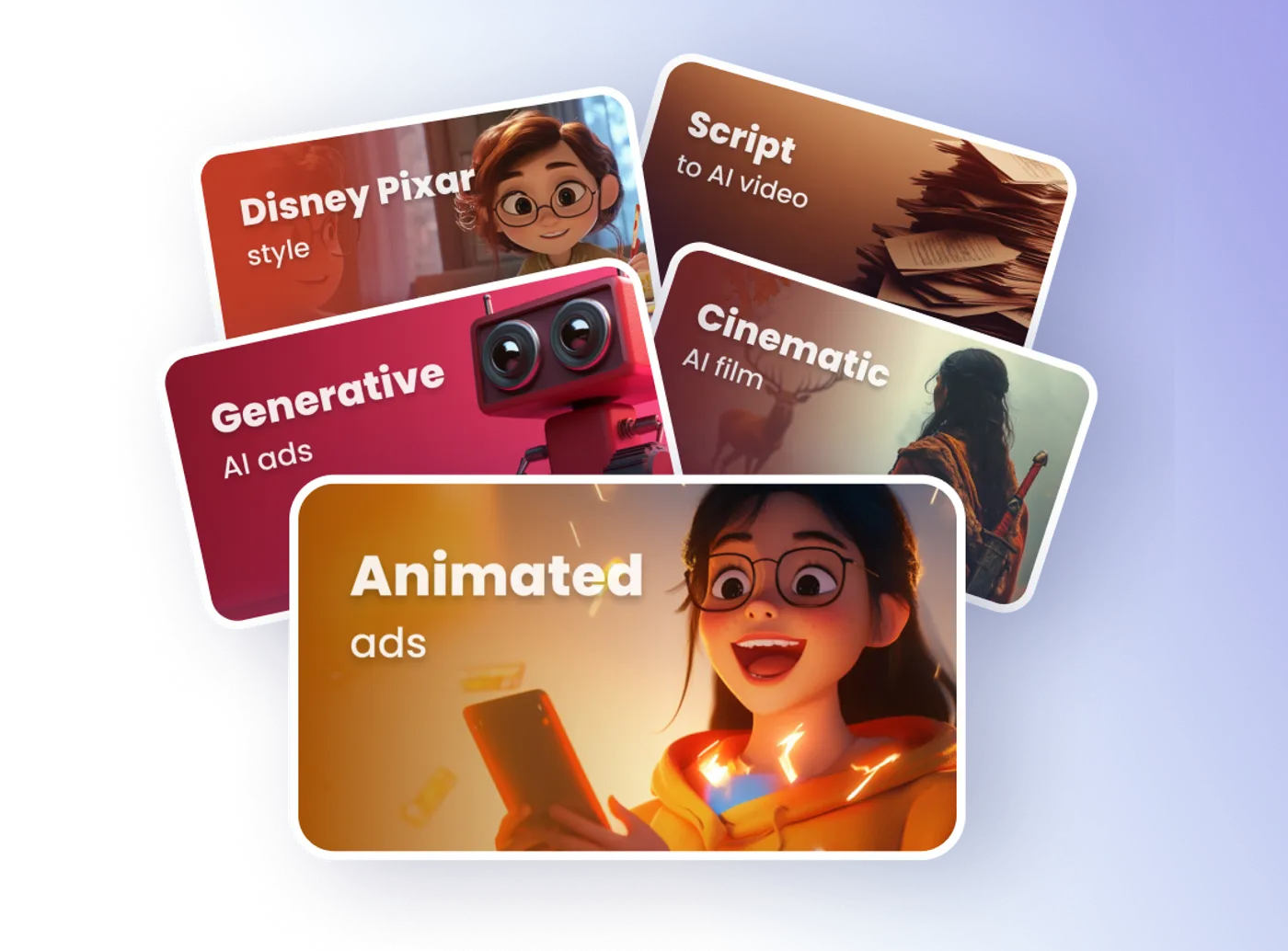
Use text instructions to adjust scenes, pacing, voiceover, subtitles and other elements without rebuilding the project from the beginning.
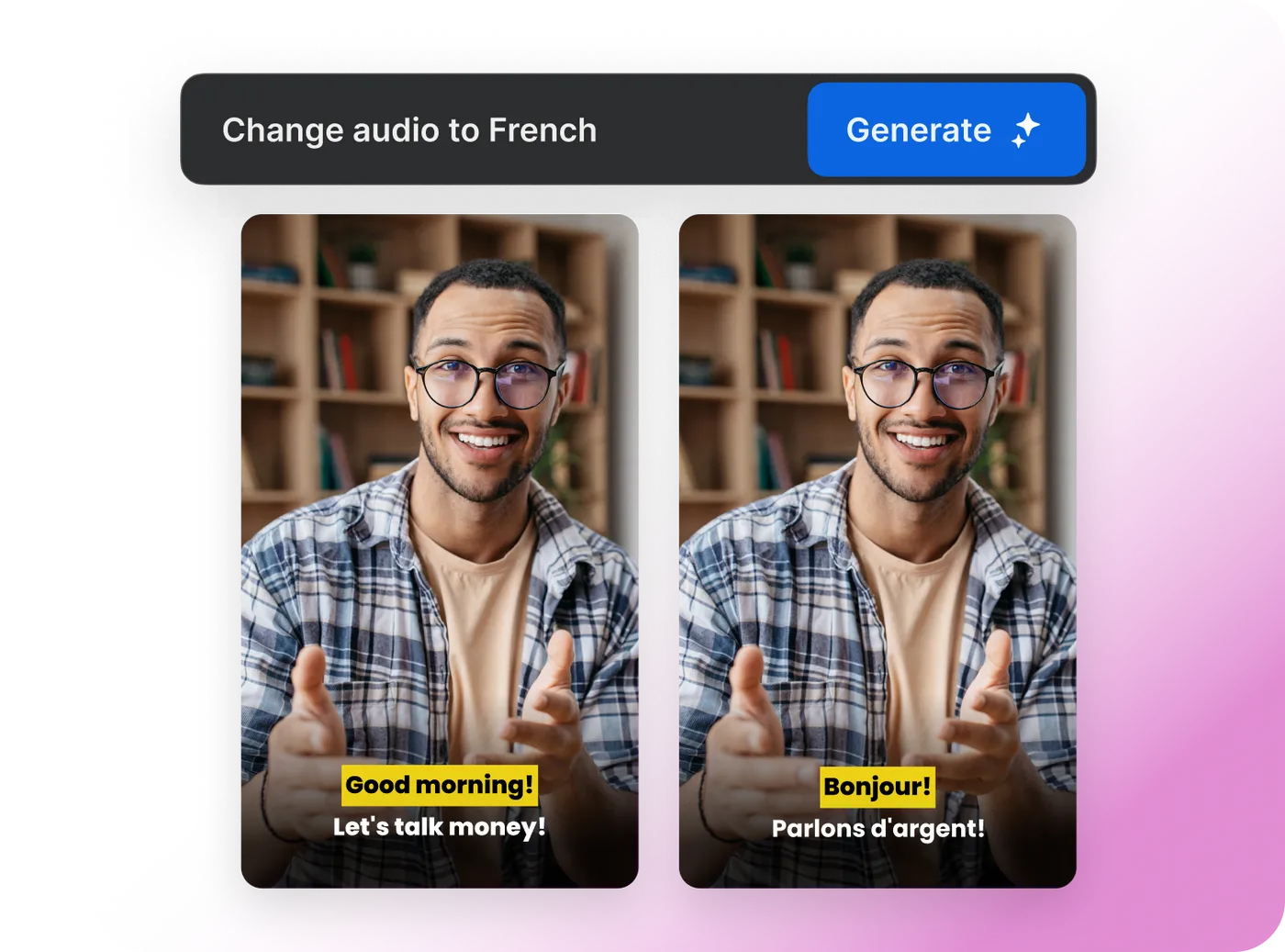
Create a localized version with translated narration and subtitles, then review meaning, timing and cultural fit before export.