Edit-first control matches the work.
CapCut AI Design combines prompts, layouts, cutouts, background tools and editable design elements for posters, ads and branded social graphics.
CapCut AI Design combines prompts, layouts, cutouts, background tools and editable design elements for posters, ads and branded social graphics.
Templates, models and brand features can vary by account, region and plan.
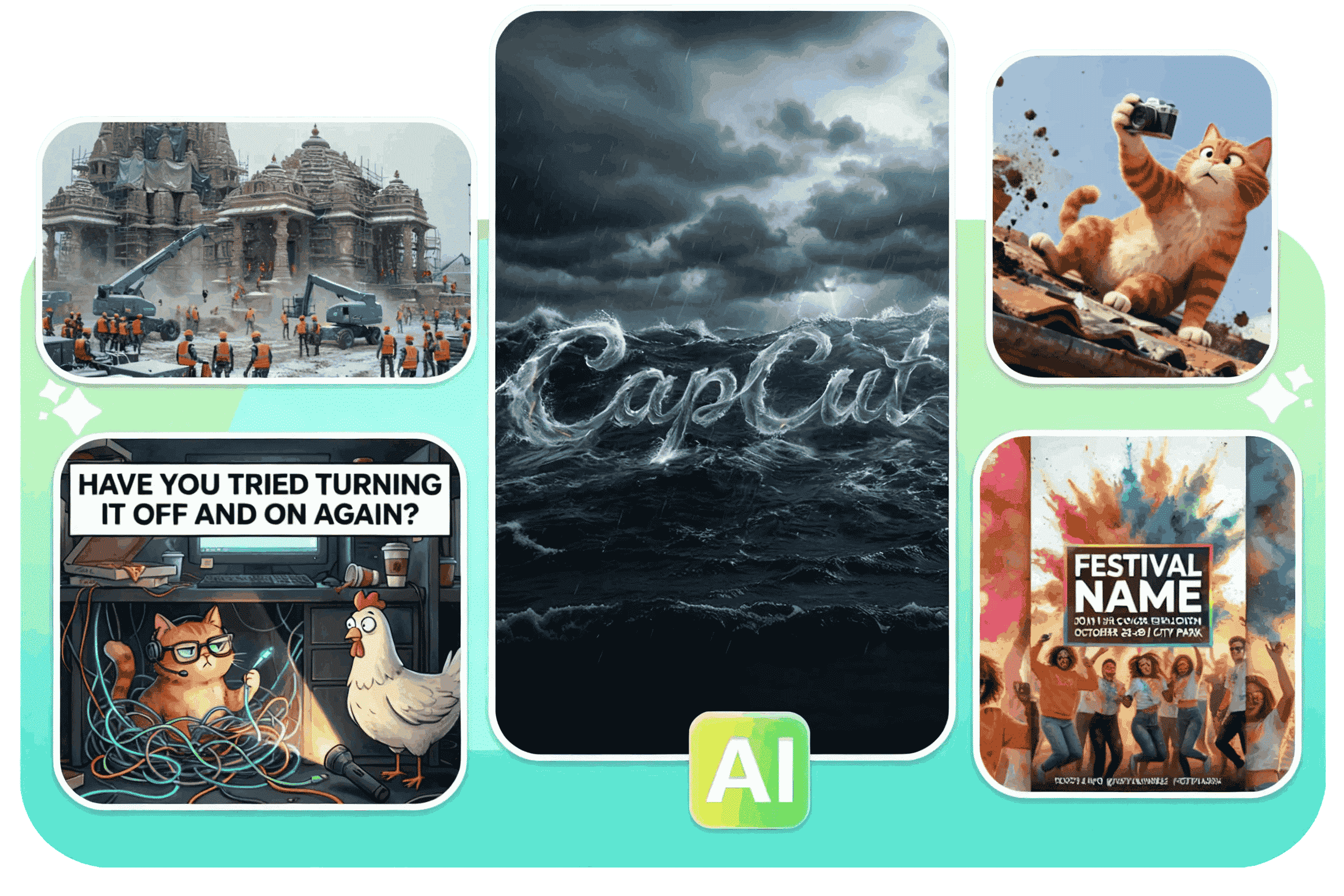
CapCut AI Design combines prompts, layouts, cutouts, background tools and editable design elements for posters, ads and branded social graphics.
CapCut AI Design combines prompts, layouts, cutouts, background tools and editable design elements for posters, ads and branded social graphics.
Begin with a prompt, image, product link, script or existing Invideo project, then open the focused workflow built for that job.
Compare Invideo AI →State audience, message, format, hierarchy and call to action.
Choose a concept that gives the message enough visual space.
Replace weak copy, verify claims, correct typography and use approved assets.
Build multiple format ideas around one message.
Create a structured starting point for an offer or event.
Produce editable designs without beginning from a blank canvas.
It is positioned for creating layouts such as ads, posters and branded visuals from prompts and smart design tools.
It should be treated as a draft that needs brand, copy and accessibility review.
CapCut presents cutout and background tools within its design ecosystem.
Typography, contrast, product accuracy, legal claims, logos, prices and the final CTA.
Start with the device, task or plan that fits the work in front of you—then move directly to the official CapCut tool.
CapCut's AI editor brings generation, captions, cleanup, reframing and enhancement into a workflow that still leaves the final timing and judgment to the editor.
Generate subtitles, correct the words and timing, then style them for Shorts, Reels, tutorials, interviews or longer videos.
Use AI-assisted clipping to identify highlights, reframe the subject and prepare several vertical drafts from one longer recording.
CapCut combines speech recognition, subtitle translation, dubbing and supported voice-preservation tools for multilingual video workflows.
CapCut combines text-to-video, image animation, model choice and editing tools so a generated clip can move directly into a finished timeline.
Compare edit-first and prompt-first video workflows.
Browse the wider task-first catalog.
Each recommendation shows why it belongs here.

Define the topic, focal subject and viewing context, generate a starting design, then simplify it for small-screen readability.
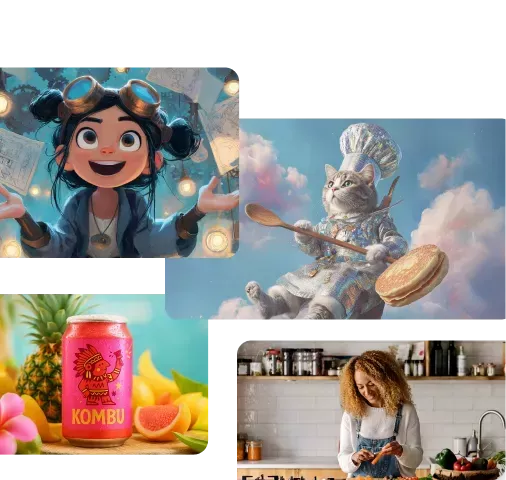
Give Invideo the campaign inputs, generate a structured ad, then tighten the hook, proof, visuals and final action.

Upload a reference image, describe the movement and result, then refine the generated clip before it enters a larger edit.