CapCut vs InVideo AI: which video workflow fits you in 2026?
Both can help create AI-assisted video, but they solve the starting problem differently. CapCut is the stronger fit when you want to work directly with footage and keep editing control. InVideo is the stronger fit when you want AI to assemble the first draft from a prompt, script, image or product brief.
Feature and plan language was checked against current official product/help documentation on August 7, 2026. Availability, model access, credits and regional limits can change.
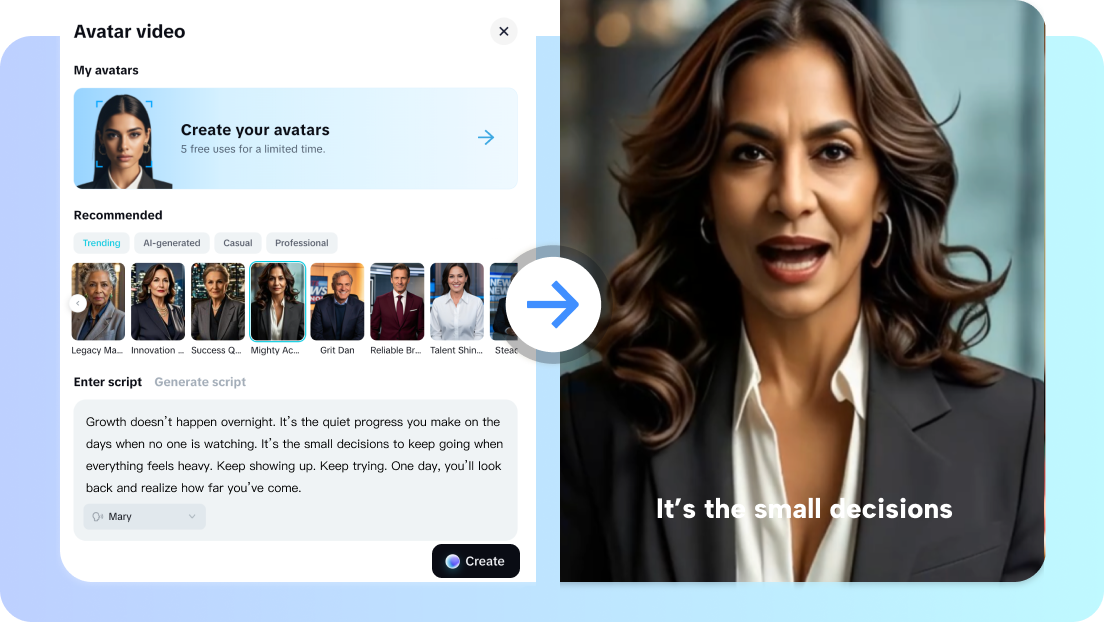
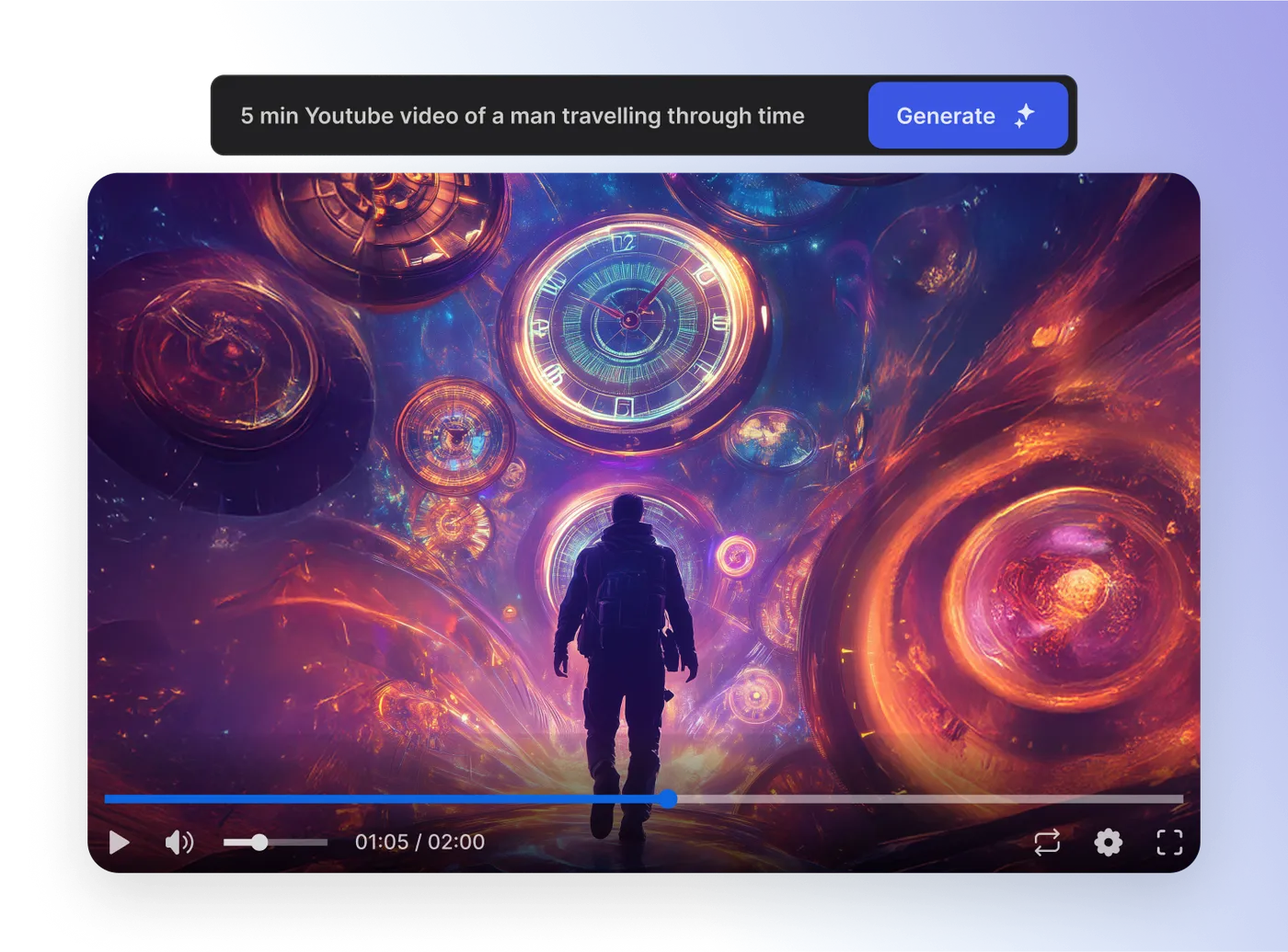
The choice is mainly edit-first vs generation-first.
Do not choose from the longest feature list. Choose from the way you actually begin a project.
You already have footage or want direct editing control.
- Timeline editing and manual finishing matter
- Captions, translation and reframing are part of the edit
- You want AI generation to continue into an editable project
You want AI to create the first draft for you.
- You start from a prompt, script, image, link or product brief
- AI-generated scenes, voices, avatars or ads are the starting point
- You prefer prompt-led iteration over building the first cut manually
Where the workflows differ in practice.
Starting material
CapCut: a natural fit for existing clips, direct edits and projects where you want to control the cut.
InVideo: a natural fit for a prompt, script, image or marketing brief that should become a generated draft.
AI generation
CapCut: current official tools include AI video generation, script assistance, avatars, voiceovers and captions inside a broader editor.
InVideo: current workflows center AI generation more heavily, including model-based creation, Autopilot quality choices and credit usage.
Control after generation
CapCut: stronger fit when you expect to keep trimming, arranging and finishing the result directly.
InVideo: stronger fit when conversational or prompt-guided changes are the main way you want to iterate on an AI-built draft.
Captions and localization
CapCut: dedicated caption and video-translation workflows make localization part of the editing process.
InVideo: generated videos can include narration and captions as part of the AI-built output; check the exact workflow and plan before committing.
Avatars and presenters
CapCut: currently promotes AI avatar creation alongside editing and generation tools.
InVideo: currently supports AI twins/actors and avatar-led generation, with credit usage depending on the model and workflow.
Usage and plan limits
CapCut: feature access can vary by plan and region, so verify the exact tool you need before paying.
InVideo: uses credits for generative work; model choice, duration, resolution and some actor workflows affect consumption.
Open the workflow that matches the job you need to finish.
These paths go to focused Read4Max guides instead of forcing you through a generic brand page.
Edit existing footage with direct control
Use a timeline-first workflow when you already have clips and want to trim, layer, caption and finish the project yourself.
Open guide →Generate a first cut from a prompt
Start from an idea or brief when you want AI to assemble the initial script, scenes, voice and captions before refinement.
Open guide →Add and style captions
Use speech recognition inside an editing workflow, then correct timing, wording and presentation before export.
Open guide →Create a UGC-style ad draft
Turn a product brief into a presenter-led advertising draft when speed from concept to first version matters most.
Open guide →Translate and localize an existing video
Keep the editing workflow centered on the source video while adapting speech, captions and delivery for another language.
Open guide →Build an AI presenter workflow
Start from a script or brief when a generated presenter is part of the concept rather than footage you already shot.
Open guide →Compare the usage model before comparing a headline price.
Check which editing and AI features are included in the plan and region you will actually use.
CapCut promotes free editing and AI entry points, while some AI features and availability vary. Use the current plan guide before deciding whether an upgrade is justified.
Compare CapCut Standard vs Pro → INVIDEO CREDITSGeneration cost depends on the model and the amount of AI media you create.
InVideo documents a credit system for generative work. Credits can vary by model, video duration, resolution and additional actor workflows, so estimate the workload rather than buying from a single headline number.
Understand InVideo plans & credits →CapCut vs InVideo AI FAQ.
Is CapCut or InVideo AI better for editing existing footage?
CapCut is usually the more natural starting point when you already have footage and want hands-on editing control. InVideo is more generation-led, so it is a stronger fit when the first draft should be assembled from a prompt or source material.
Which is better for prompt-to-video generation?
InVideo is organized around prompt-first generation and credit-based AI creation. CapCut also offers AI video generation, but it keeps generation closer to a broader editing ecosystem where the result can continue into direct editing.
Do CapCut and InVideo both offer AI avatars and captions?
Both currently promote AI-assisted presenter or avatar workflows and caption features, but the exact models, limits and availability can differ by product surface, plan and region.
Can I try them before paying?
Both advertise ways to start without immediately committing to a full paid workflow. InVideo documents a free plan with limited credits; CapCut offers free editing and AI entry points, while some features or availability can vary by region and plan.
Which one should a short-form creator choose?
Choose by the bottleneck. If the bottleneck is editing footage, captions, reframing and direct finishing, start with CapCut. If the bottleneck is generating a usable first draft from an idea, script, image or product brief, start with InVideo.
Pick the workflow first, then verify the exact feature and offer.
If you still are not sure, start with the tool that matches your input: footage and editing control point toward CapCut; a prompt or generated first draft points toward InVideo.
Comparing the paid plans, not just the tools?
Use the plan guide to compare CapCut Pro's subscription model with Invideo AI's credit-based generation model before opening checkout.
Making YouTube Shorts? Compare the actual production workflow.
Use the Shorts guide to choose between CapCut's edit-centered workflow and Invideo AI's more automated faceless first cut.
Need an AI avatar tool? Compare the workflow first.
Use the CapCut vs Invideo avatar guide to choose between edit-first and actor-led generation workflows.