Prompt-first production matches the work.
Create a localized version with translated narration and subtitles, then review meaning, timing and cultural fit before export.
Create a localized version with translated narration and subtitles, then review meaning, timing and cultural fit before export.
Use this guide to choose the workflow, then confirm current access on the official Invideo page.
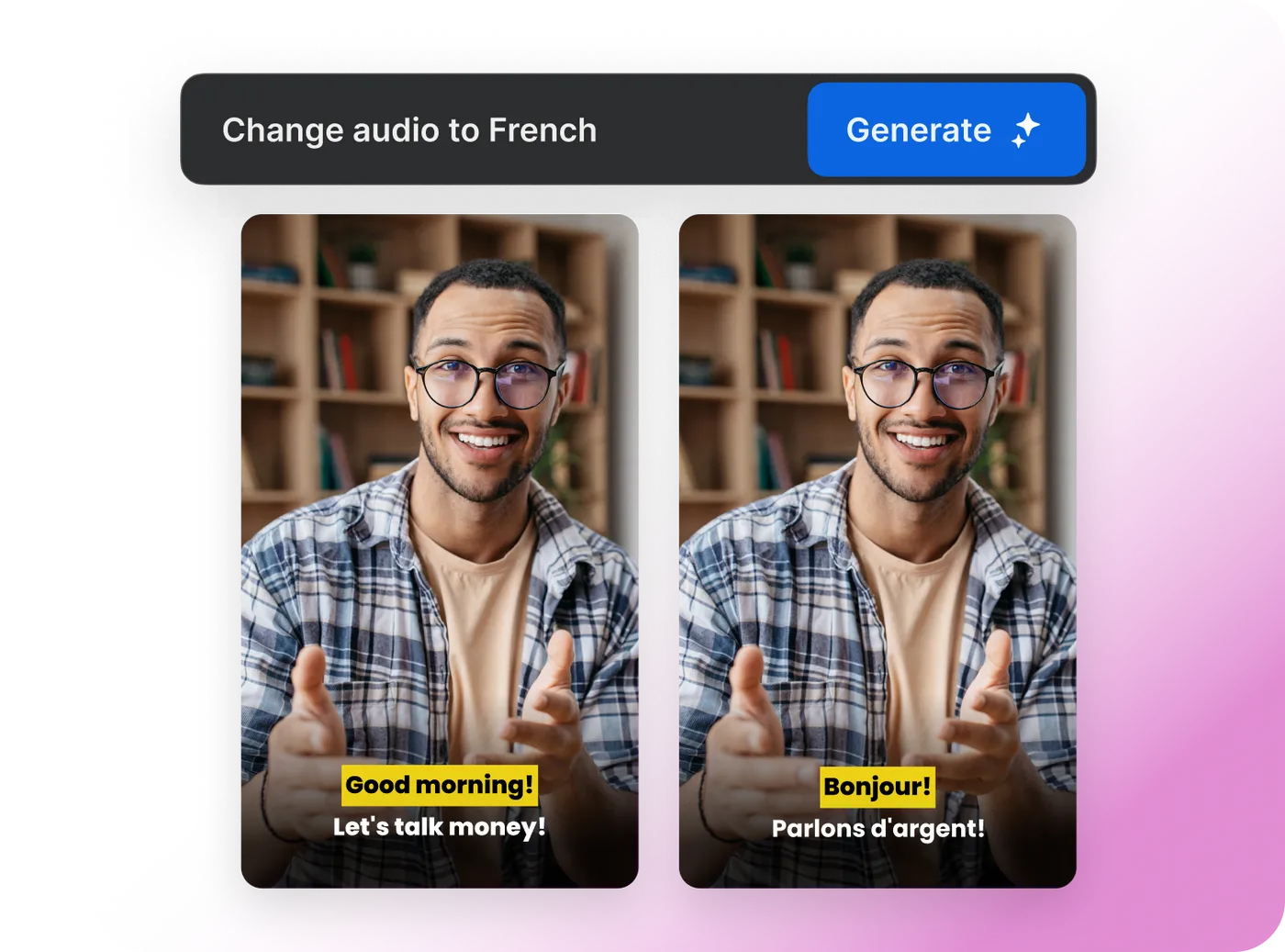
Create a localized version with translated narration and subtitles, then review meaning, timing and cultural fit before export.
Create a localized version with translated narration and subtitles, then review meaning, timing and cultural fit before export.
CapCut combines speech recognition, subtitle translation, dubbing and supported voice-preservation tools for multilingual video workflows.
Compare CapCut AI Video Translator →Translate only after the original script and structure are stable.
Generate the translated voice and subtitle version inside the supported workflow.
Check names, terminology, tone, timing and cultural meaning.
Localize an approved explainer for customer markets.
Create language versions from one controlled source project.
Adapt an Invideo-made video for additional audiences.
The official FAQ currently says external videos are not supported by this translator workflow.
Invideo presents translated voice and subtitle capabilities within supported projects.
Automated translation can miss product terms, context, humor and legal meaning.
After the source script, claims and scene order are approved.
Create a localized version with translated narration and subtitles, then review meaning, timing and cultural fit before export.
Each recommendation shows why it belongs here.
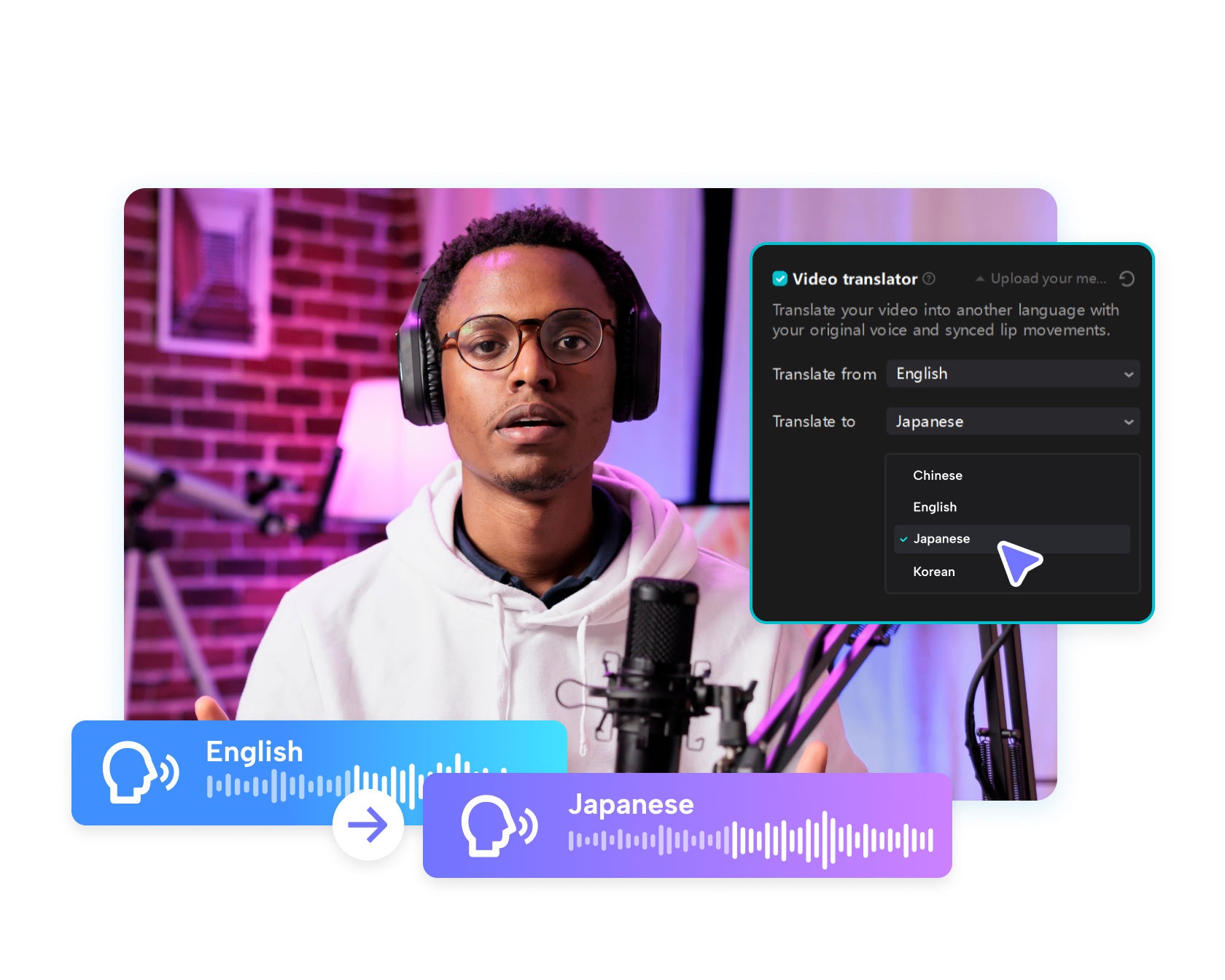
CapCut combines speech recognition, subtitle translation, dubbing and supported voice-preservation tools for multilingual video workflows.

Choose a voice, language and delivery style, then place the generated narration directly into a CapCut timeline with captions and visuals.

CapCut's Script to Video workflow can help generate or accept a script, pair it with visuals, voiceover, subtitles and music, then open the result for…