Edit-first control matches the work.
Credits are a usage currency for supported AI features. They are separate from time-based Standard, Pro and Teams subscriptions.
Credits are a usage currency for supported AI features. They are separate from time-based Standard, Pro and Teams subscriptions.
Credit costs, included allowances and purchase availability can change by tool, platform and account.
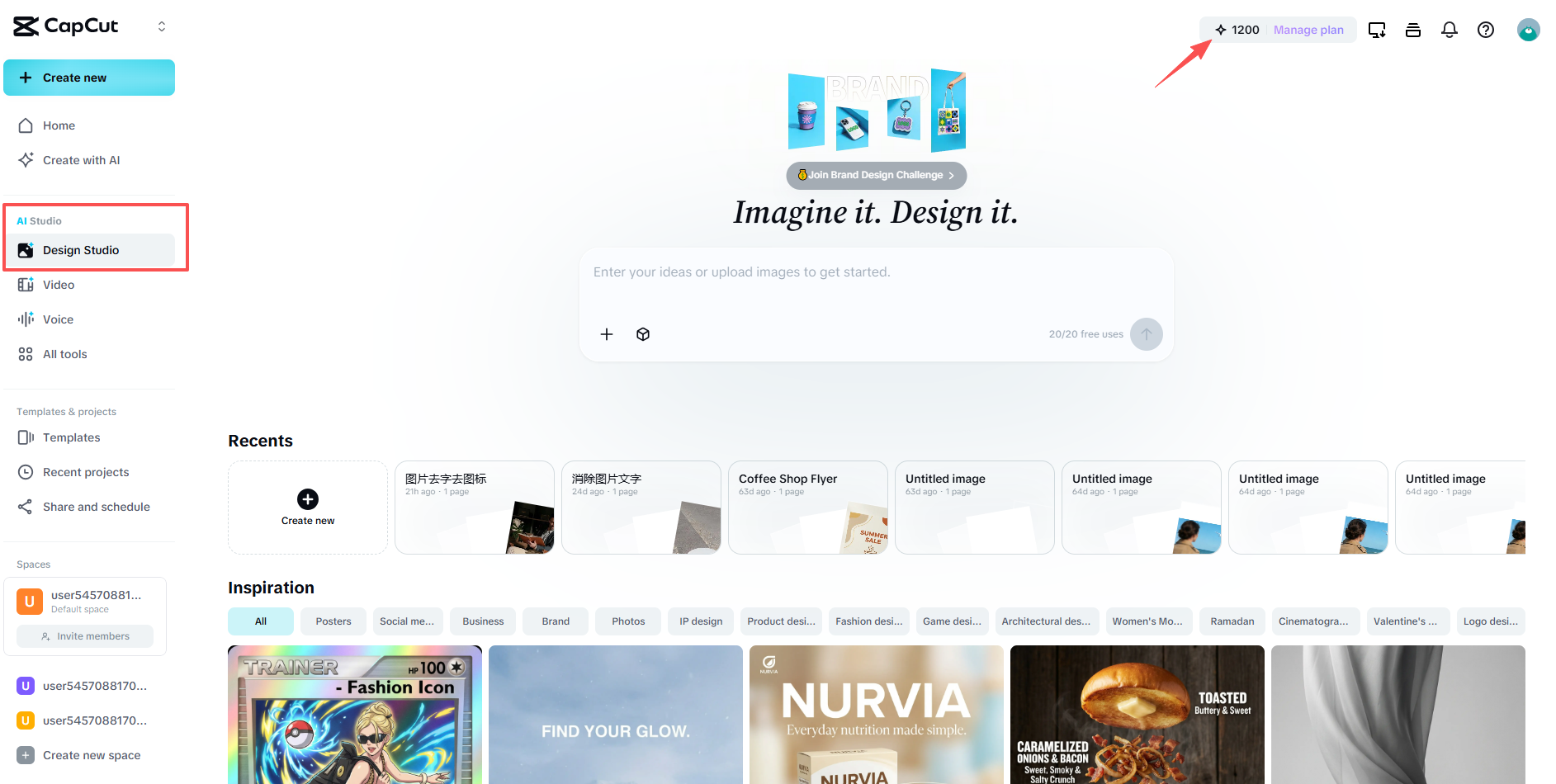
Credits are a usage currency for supported AI features. They are separate from time-based Standard, Pro and Teams subscriptions.
Credits are a usage currency for supported AI features. They are separate from time-based Standard, Pro and Teams subscriptions.
Begin with a prompt, image, product link, script or existing Invideo project, then open the focused workflow built for that job.
Compare Invideo AI →Identify which generation or enhancement actions you expect to repeat.
Review the current credit amount before running the operation.
Compare purchased credits with any allowance included in your subscription.
Top up for a focused project without treating credits as a full subscription.
Track usage per output so costs remain predictable.
Use a subscription for editing access and credits only where the AI tool requires them.
CapCut states that credits cannot be used to purchase Pro, Teams or storage upgrades.
CapCut documents purchases on supported web and desktop surfaces; availability should be confirmed in the current account.
No. Costs can differ by model, output and operation.
CapCut's current help guidance distinguishes purchased and subscription-related balances. Confirm the terms shown in your account before buying.
Start with the device, task or plan that fits the work in front of you—then move directly to the official CapCut tool.
Compare the intended use, premium assets, cross-platform access, AI tools, storage and collaboration before opening checkout.
Pro is the individual upgrade path for creators who need broader AI access, premium assets, cross-platform editing and more capable production workflows.
CapCut Teams is designed for agencies, businesses and creator groups that need shared projects, templates, storage and centralized workspace management.
Use CapCut Desktop when a project needs layered tracks, precise timing, keyframes, color work and AI tools in one workspace.
Compare edit-first and prompt-first video workflows.
Browse the wider task-first catalog.