Prompt-first production matches the work.
Paste a useful source URL, set the audience and format, then review the extracted message before refining the video.
Paste a useful source URL, set the audience and format, then review the extracted message before refining the video.
Use this guide to choose the workflow, then confirm current access on the official Invideo page.
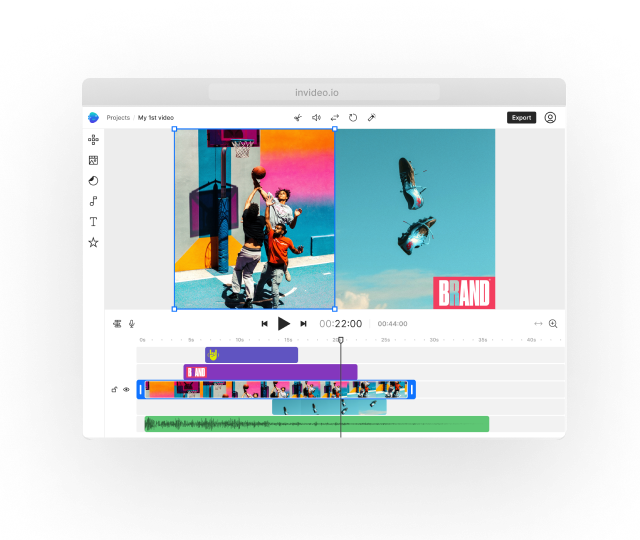
Paste a useful source URL, set the audience and format, then review the extracted message before refining the video.
Paste a useful source URL, set the audience and format, then review the extracted message before refining the video.
Start with the device, task or plan that fits the work in front of you—then move directly to the official CapCut tool.
Compare CapCut →Use a current public URL with clear ownership, structure and facts.
Specify whether the result is a summary, product story, explainer or UGC-style draft.
Check the script against the source page, then replace weak or unrelated visuals.
Turn a written page into a narrated summary or social version.
Create a draft based on current product details and imagery.
Convert a service page into a concise introductory video.
The official page describes public webpages, articles, product URLs and other accessible links.
Invideo states that link-based workflows can also work with YouTube URLs; review current availability.
It interprets and summarizes the source, so factual review remains necessary.
Pages that are private, outdated, thin, dynamically blocked or unclear about ownership.
Paste a useful source URL, set the audience and format, then review the extracted message before refining the video.