Education-specific workflow
Evaluate teacher-designed spaces, student access and educator visibility rather than a generic chatbot alone.
This guide is for teachers, technology leaders and district teams comparing SchoolAI with general-purpose chatbots and other education AI platforms. Official materials describe teacher-designed Spaces, a student Sidekick experience, educator visibility, Mission Control and district-level implementation support. The core buying question is whether staff can define the instructional purpose, boundaries, approved conten
Read4Max may earn a commission when you use this partner link.

SchoolAI is an education-focused artificial intelligence platform and implementation partner, but no AI product, handbook, readiness program or policy consultation can replace district authorization, teacher judgment, student-support procedures, legal review, procurement review or local policy. Before using any classroom AI tool, confirm who is authorized to create accounts, what student data may be processed, which age groups are eligible, what parent or guardian notices or consent are required, what records must be retained, and which district systems may be connected. SchoolAI publishes privacy, trust and compliance materials and describes educator visibility and controls, yet each school or district remains responsible for deciding whether the service fits its laws, contracts, policies and risk tolerance. Use the smallest necessary data set, avoid uploading sensitive student records unless the organization has approved the workflow, and define deletion, export, access and incident-response procedures. Teacher-designed Spaces and student-facing AI can still produce inaccurate, biased, inaccessible, inappropriate or overconfident output. Educators should review prompts, instructions, outputs and student use, and should provide an alternative path for learners who cannot or should not use the tool. Safety or wellbeing alerts must support established staff procedures; they are not guaranteed crisis detection, emergency response or professional assessment. Students should not use AI to evade academic-integrity rules or submit unverified work as their own. Pricing, plan limits, features, integrations, trial conditions, support, training, offer availability and eligibility can change. Confirm current terms directly before procurement or participation. Compliance badges and contractual claims are important evidence, not a guarantee that every district configuration automatically complies with FERPA, COPPA, state law, accessibility duties or local policy. No learning outcome, adoption rate, time saving, funding result, safety outcome, legal compliance or implementation success is guaranteed. This guide is for teachers, technology leaders and district teams comparing SchoolAI with general-purpose chatbots and other education AI platforms. Official materials describe teacher-designed Spaces, a student Sidekick experience, educator visibility, Mission Control and district-level implementation support. The core buying question is whether staff can define the instructional purpose, boundaries, approved content sources, age-appropriate prompts and escalation path for each use. Start with one low-risk learning activity, use synthetic or minimal personal data, and make the teacher responsible for final decisions. Review how students enter a Space, what identity or roster data is required, what teachers can see, how transcripts and alerts are handled, and whether the configuration supports accessibility and language needs. Compare free, Pro and district options by current limits and governance features rather than promotional labels. Establish a classroom disclosure explaining when AI is used, how outputs should be checked, and what students should do when the system is wrong or uncomfortable. Monitor for bias, hallucinations, overreliance and uneven access. A visible teacher dashboard is useful only when staff have time, training and procedures to act on what they see.
Evaluate teacher-designed spaces, student access and educator visibility rather than a generic chatbot alone.
Use implementation and policy resources to organize privacy, safety, procurement and instructional decisions.
Start with one low-risk use case, defined success criteria and a documented stop condition.
Keep teachers and district staff responsible for prompts, outputs, alerts and consequential decisions.
Use minimal data, publish clear classroom rules and require students to verify outputs.
Map data flows, roles, training, accessibility, support and evaluation before scaling.
Compare current district policies with proposed AI uses and obtain independent legal review where needed.
No. The company publishes compliance and privacy materials, but each district must evaluate its own configuration, contracts, notices, consent, records and legal duties.
No. Teachers should set activity boundaries, monitor use and verify outputs, sources, accessibility and academic-integrity expectations.
No. Alerts may support educator awareness, but they are not guaranteed crisis detection, professional assessment or emergency response.
Current official pages describe no-cost offers, but availability, eligibility, scope and conditions can change and should be confirmed at submission.
This guide is for teachers, technology leaders and district teams comparing SchoolAI with general-purpose chatbots and other education AI platforms. Official materials describe teacher-designed Spaces, a student Sidekick experience, educator visibility, Mission Control and district-level implementation support. The core buying question is whether staff can define the instructional purpose, boundaries, approved conten
Each recommendation shows why it belongs here.
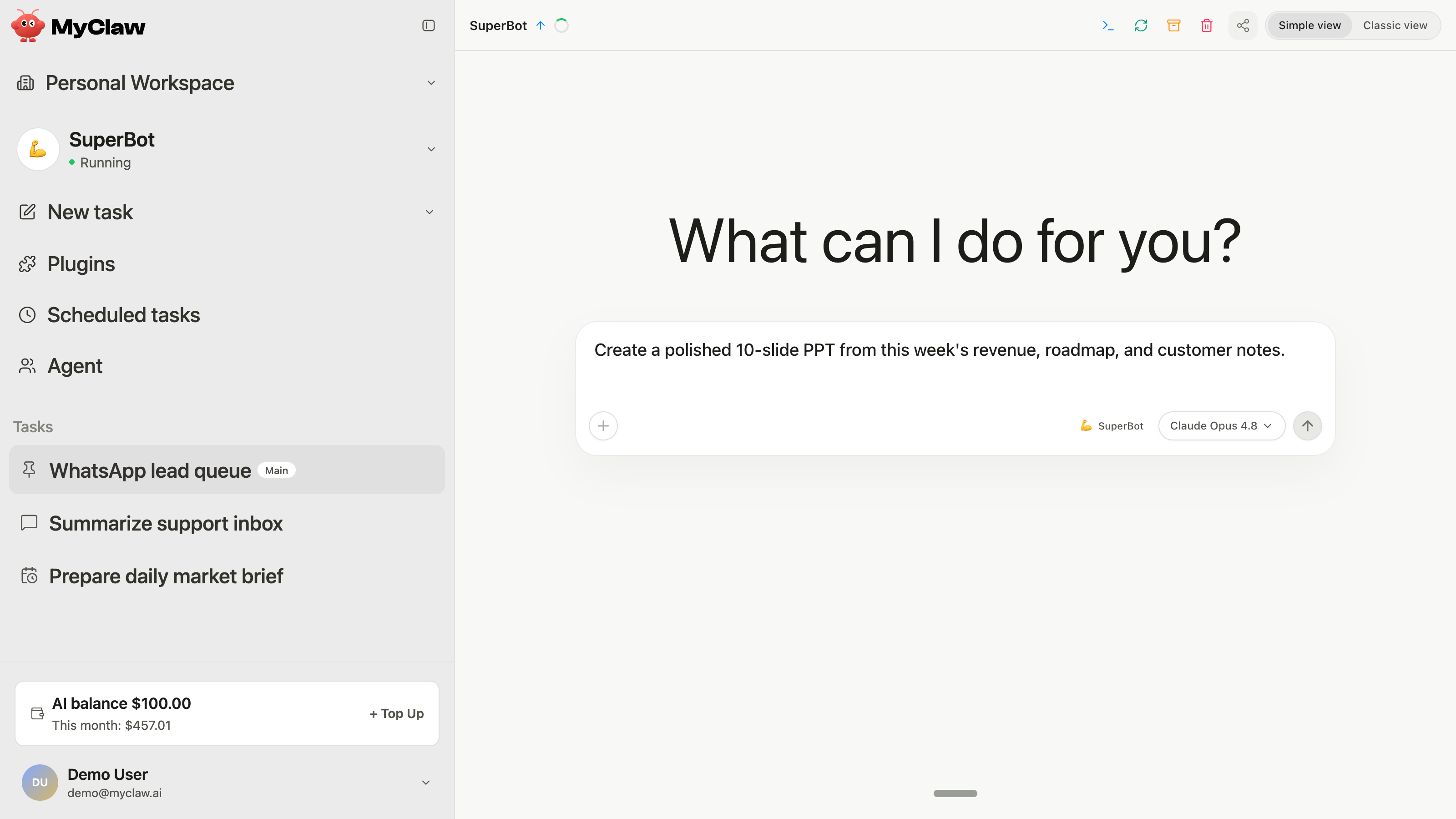
This independent guide is for readers comparing managed agent hosting with self-hosting or a conventional chat assistant. MyClaw's current official…
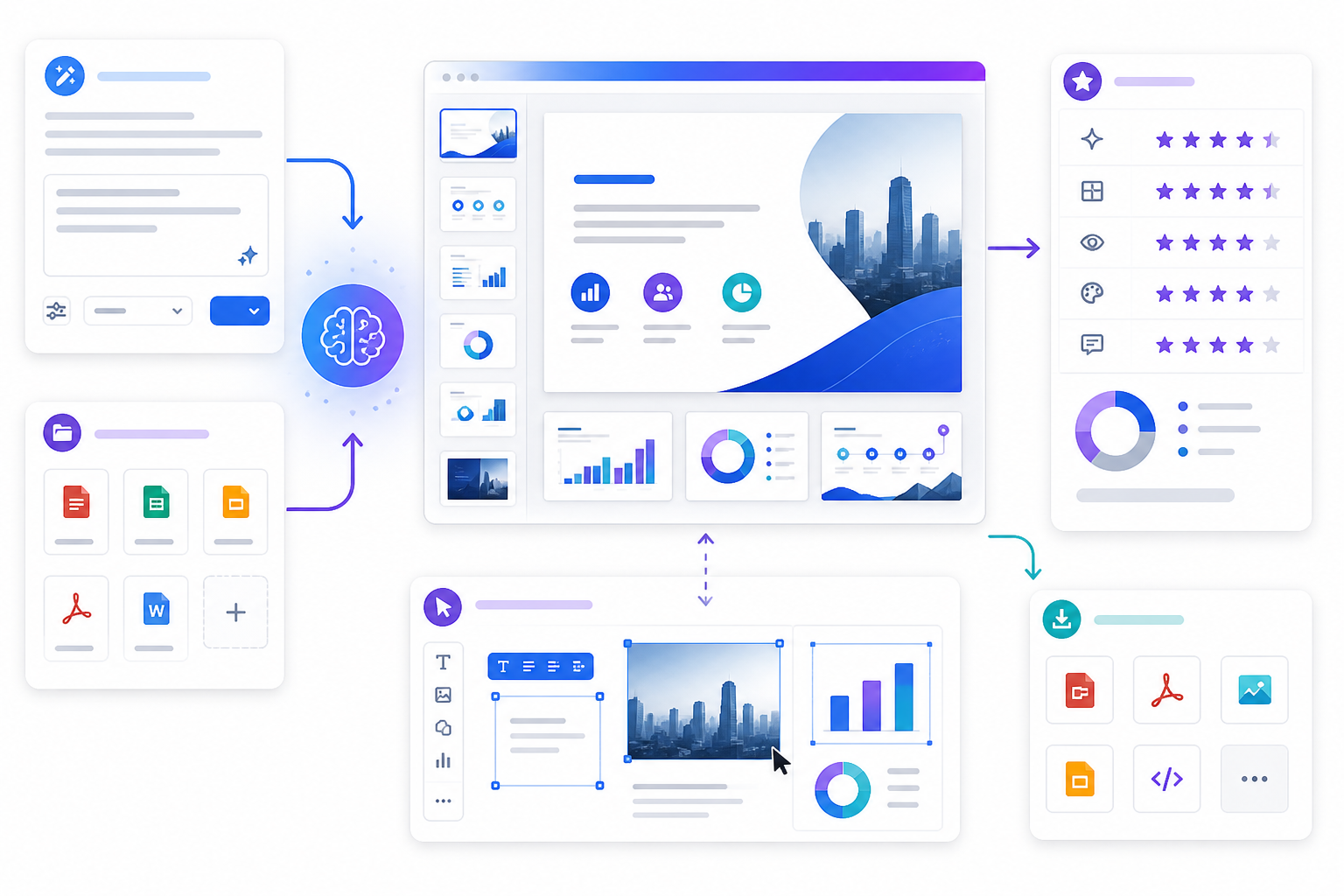
PopAi's official presentation workflow starts with a topic or source file, proposes an outline, applies a visual direction, creates editable slides and…

Evaluate Skywork as an AI workspace for research, documents, slides, sheets and other deliverables, with current checks for credits, privacy, connected…