Up to 10 Gbps USB connectivity
The JMS583-based enclosure uses USB 3.1 Gen 2 connectivity, with a theoretical interface rate up to 10 Gbps.
A tool-free USB-C enclosure for compatible M.2 PCIe NVMe drives, offering up to 10 Gbps connectivity and support for common M.2 lengths.
This direct merchant link is not currently monetized by Read4Max.
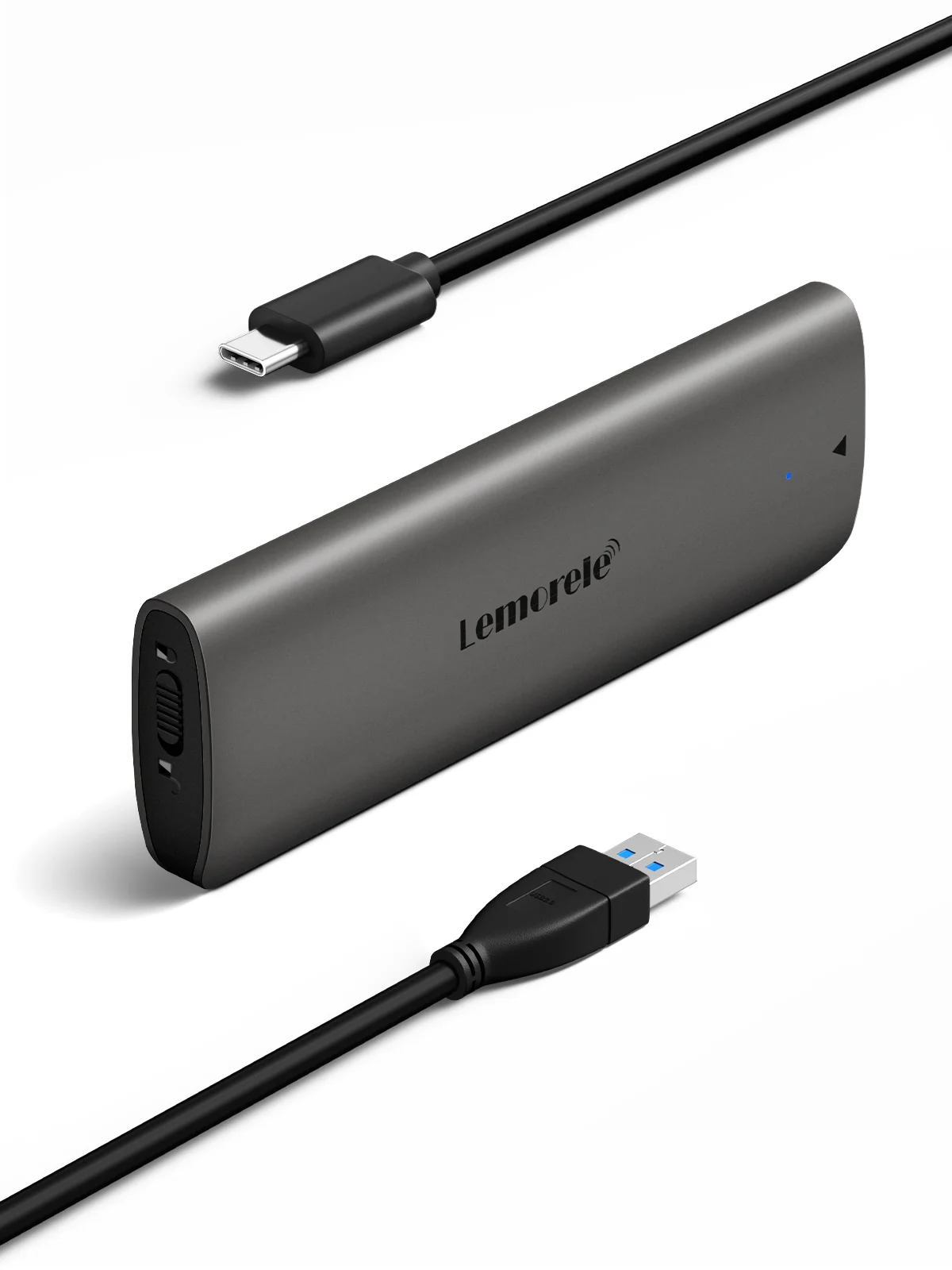
An unused M.2 NVMe drive cannot connect directly to most laptops or desktops. The SD1L turns a compatible bare drive into portable USB storage for file transfer, backups and drive reuse.
The JMS583-based enclosure uses USB 3.1 Gen 2 connectivity, with a theoretical interface rate up to 10 Gbps.
It accepts common 2230, 2242, 2260 and 2280 form factors, reducing the need for a separate enclosure for each drive length.
The case is designed for drive installation without small screws, which is useful when swapping or testing drives.
Reuse a compatible NVMe SSD as external storage rather than leaving it unused after a laptop or desktop upgrade.
Place the old NVMe drive in the enclosure after upgrading internal storage, then copy or archive remaining files.
Carry large video, photo or development files on a compact SSD rather than a mechanical portable drive.
Connect a compatible NVMe module externally for diagnostics, cloning or non-destructive file access.
No. The official specification describes PCIe NVMe support. M.2 SATA drives use a different protocol and require a SATA-compatible enclosure.
Lemorele lists support for 2230, 2242, 2260 and 2280 M.2 form factors, covering the most common NVMe module lengths.
No. Ten gigabits per second is the stated interface rate. Actual speed depends on the SSD, computer port, cable, temperature, controller overhead and workload.
The official product description presents the SD1L as a tool-free enclosure. Check the current package instructions before opening or inserting a drive.
A tool-free USB-C enclosure for compatible M.2 PCIe NVMe drives, offering up to 10 Gbps connectivity and support for common M.2 lengths.
Each recommendation shows why it belongs here.
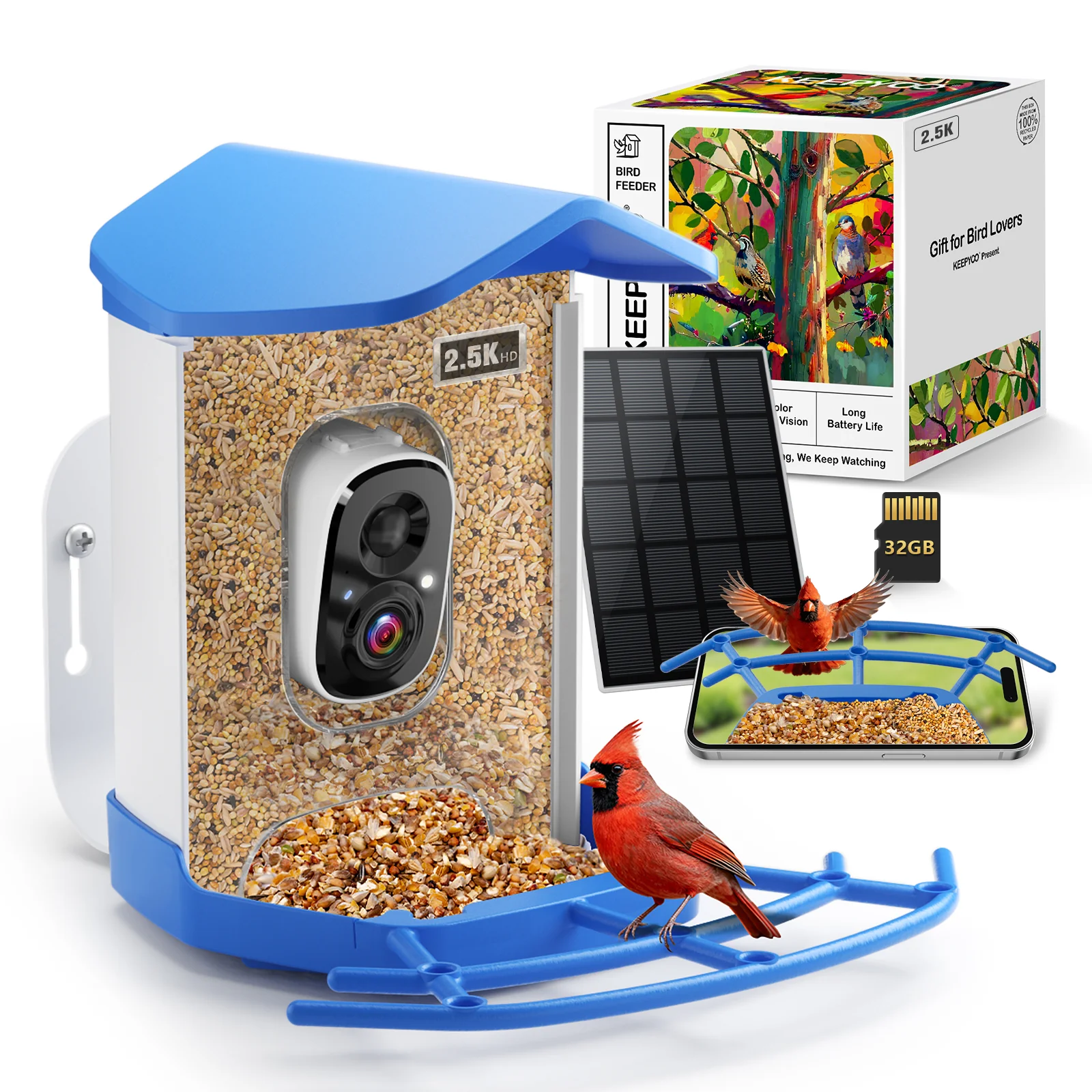
An all-in-one smart feeder with a 2.5K camera, solar charging support and included local storage for backyard bird watchers who want automatic visits…

Explore HOTO 16V Brushless Drill Tool Kit for furniture and storage builds, shelves and wall fixtures, repeated fastening, with official product…
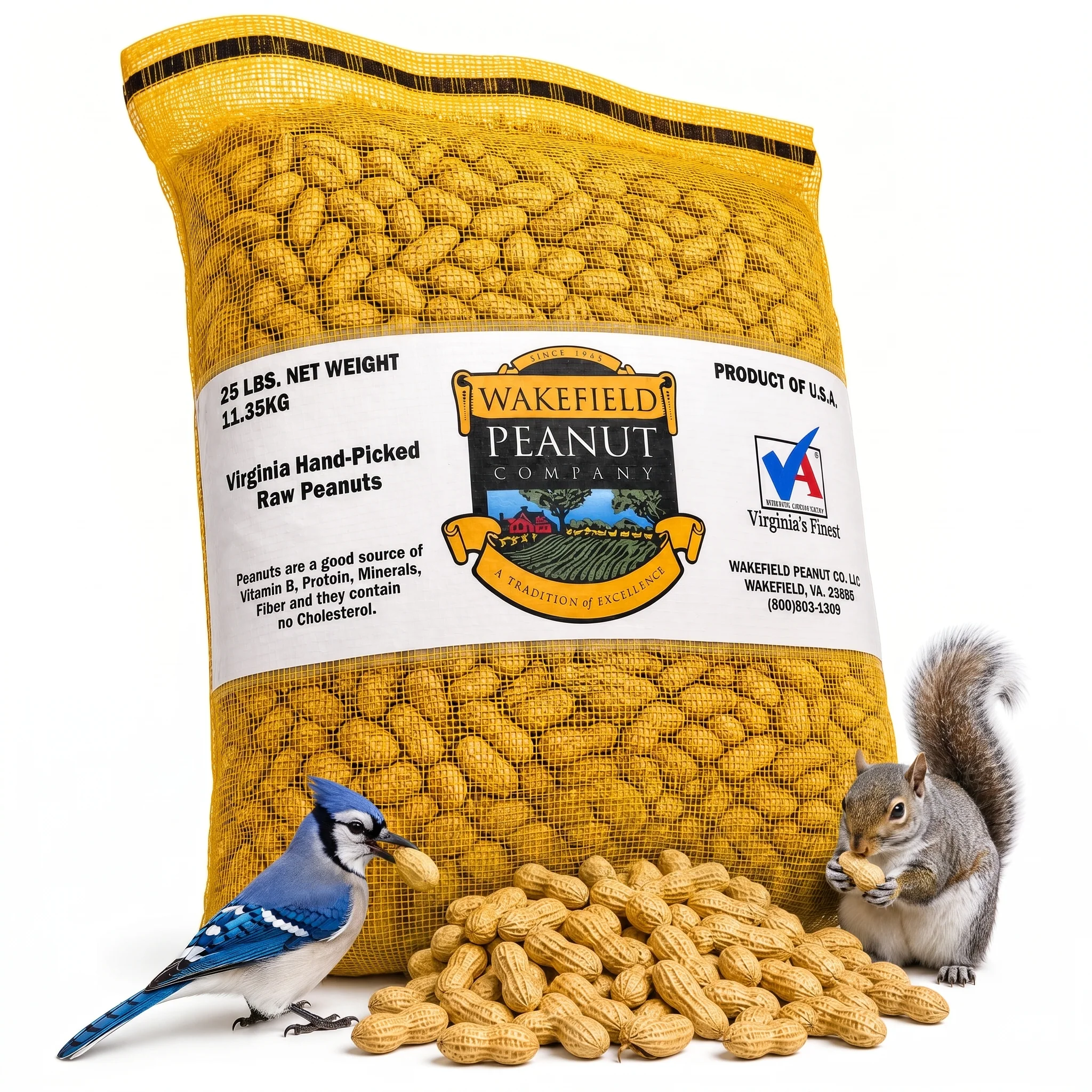
A 25-pound bulk box of raw, unsalted Virginia peanuts in the shell for people feeding compatible backyard birds or wildlife and willing to manage dry…