Lemorele USB-C hubs compared: TC66 vs TC14L vs TC24L.
These three hubs solve different desk problems. TC66 prioritizes dual external displays, TC14L prioritizes a compatible MacBook plus SD/TF media access, and TC24L prioritizes one display plus Gigabit Ethernet. Start with the port you cannot compromise on.
Current product specifications and purchase availability were checked against Lemorele's official US product pages on August 7, 2026. Prices, inventory and compatibility can change.
Two external displays
Two HDMI ports, 100 W Power Delivery and four USB-A ports make TC66 the display-heavy option. Windows supports the broader extend modes; Apple display behavior is more restricted.
MacBook + memory cards
One HDMI port, SD and TF readers, USB-A, USB-C data and Power Delivery make TC14L the media-transfer choice for compatible two-port MacBooks.
Ethernet + one display
Gigabit Ethernet, one HDMI output, three USB-A ports and 100 W Power Delivery create a simpler wired workstation without the extra display or card-reader hardware.
Choose the missing port, not the biggest port count.
All three expand USB-C, but the commercial decision is clearer when you start with dual displays, card-reader access or wired Ethernet.
Two HDMI outputs are the priority.
- Your Windows desk needs two external displays
- You also need several USB-A peripherals
- Up to 100 W Power Delivery fits your charging setup
Your workflow revolves around a compatible MacBook and media cards.
- SD and TF card access matters
- A compact two-USB-C side-mounted format fits your MacBook
- You need one HDMI output rather than dual displays
Gigabit Ethernet matters more than extra display ports.
- You need a wired network connection
- One 4K-class HDMI output is enough
- You want a simpler USB + Ethernet + charging desk hub
What materially changes between TC66, TC14L and TC24L.
External displays
TC66: two HDMI outputs; single HDMI up to 4K@30Hz, dual HDMI up to 1080p@60Hz.
TC14L: one HDMI output; current detailed spec lists up to 4K@30Hz.
TC24L: one HDMI output up to 4K@30Hz.
Networking
TC66: no RJ45 Ethernet in the current port list.
TC14L: no RJ45 Ethernet in the current detailed port list.
TC24L: one 10/100/1000M Gigabit Ethernet port.
Card readers
TC66: no SD/TF reader in the current port list.
TC14L: separate SD and TF slots.
TC24L: no card reader in the current port list.
Power Delivery
TC66: up to 100 W PD.
TC14L: current detailed spec lists up to 60 W PD.
TC24L: up to 100 W PD.
Platform caveat
TC66: Windows supports the broader multi-display extend modes; Lemorele documents mirror limitations on Apple laptops.
TC14L: official compatibility currently excludes M1 Mac devices despite its MacBook-oriented form factor.
TC24L: requires a USB-C host with DisplayPort Alt Mode for video and has partial M1 MacBook compatibility according to the current page.
Before buying
Confirm that your laptop's USB-C port supports the video, charging and data functions you need. Then open the exact Read4Max product guide and verify the merchant's current compatibility and offer.
Move from hub research to the exact tracked product guide.
These links stay inside Read4Max Guides. The comparison page itself adds no new outbound affiliate destination.
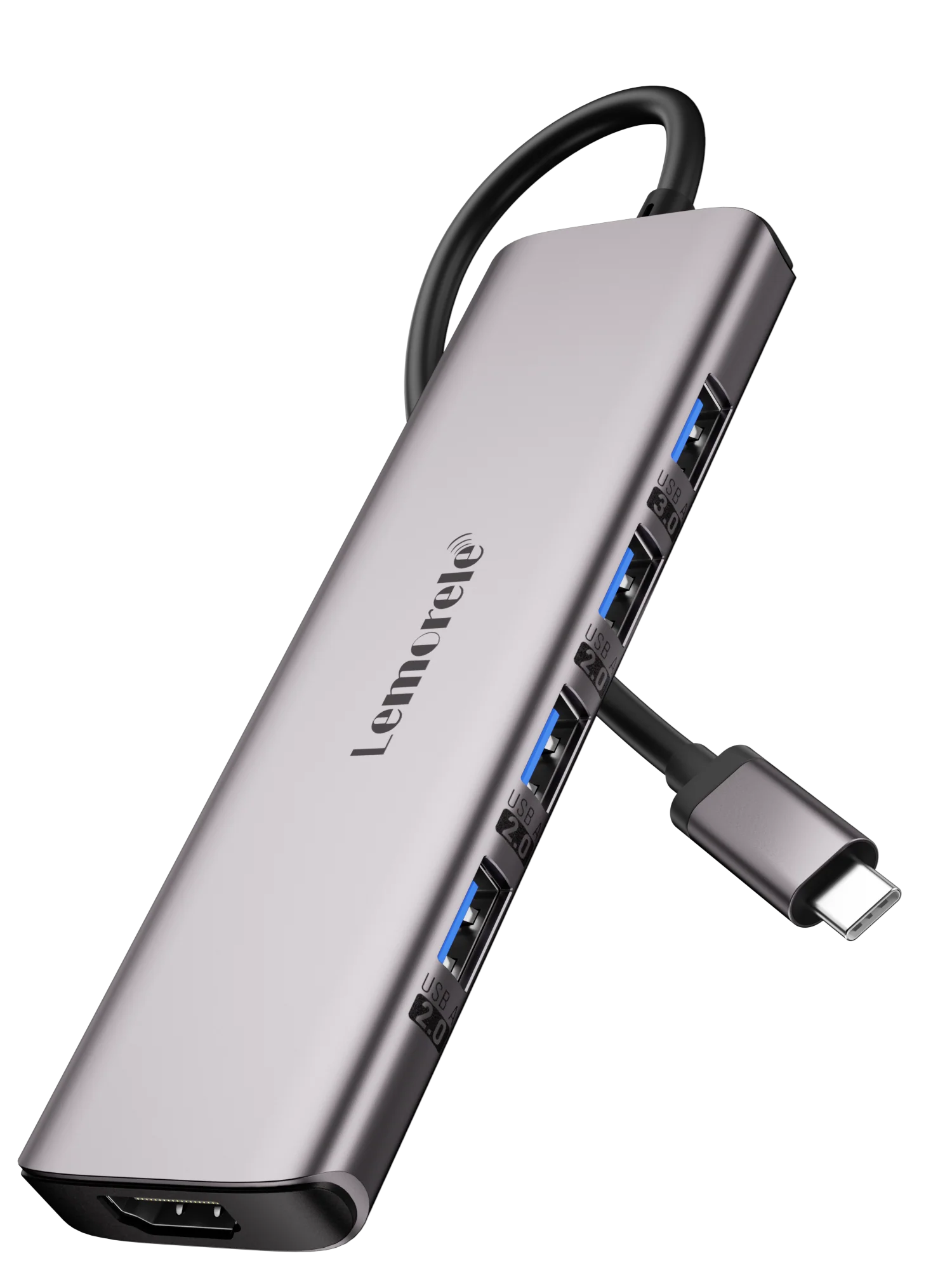
Lemorele TC66 USB-C Hub 7-in-1
TC66 is the display-first option: two HDMI outputs, up to 4K at 30 Hz on one HDMI, dual-output operation up to 1080p at 60 Hz, four USB-A ports and up to 100 W USB-C Power Delivery.
Best fit: Windows desks that need two external displays plus several USB peripherals from one USB-C connection. macOS multi-display behavior is more limited, so verify your exact Mac workflow before buying.
Open product guide →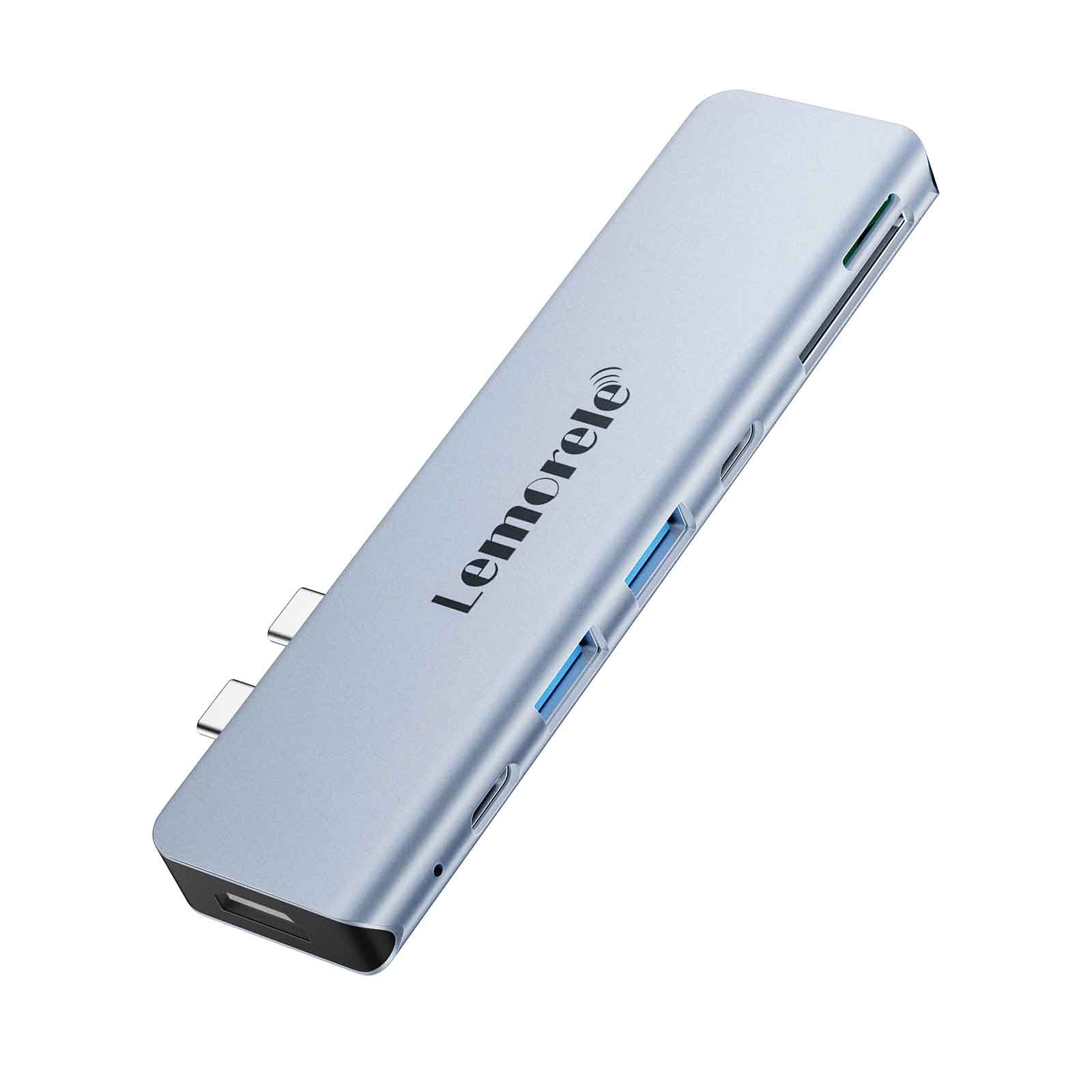
Lemorele TC14L MacBook USB-C Hub 7-in-2
TC14L is the media-and-MacBook-oriented 7-in-2 option, combining one HDMI output, SD and TF card readers, USB-A, a USB-C data port and up to 60 W Power Delivery in a side-mounted format.
Best fit: Compatible two-port MacBook workflows where card access and compact side-mounted expansion matter more than Ethernet or dual HDMI. The current official compatibility table excludes M1 Mac devices.
Open product guide →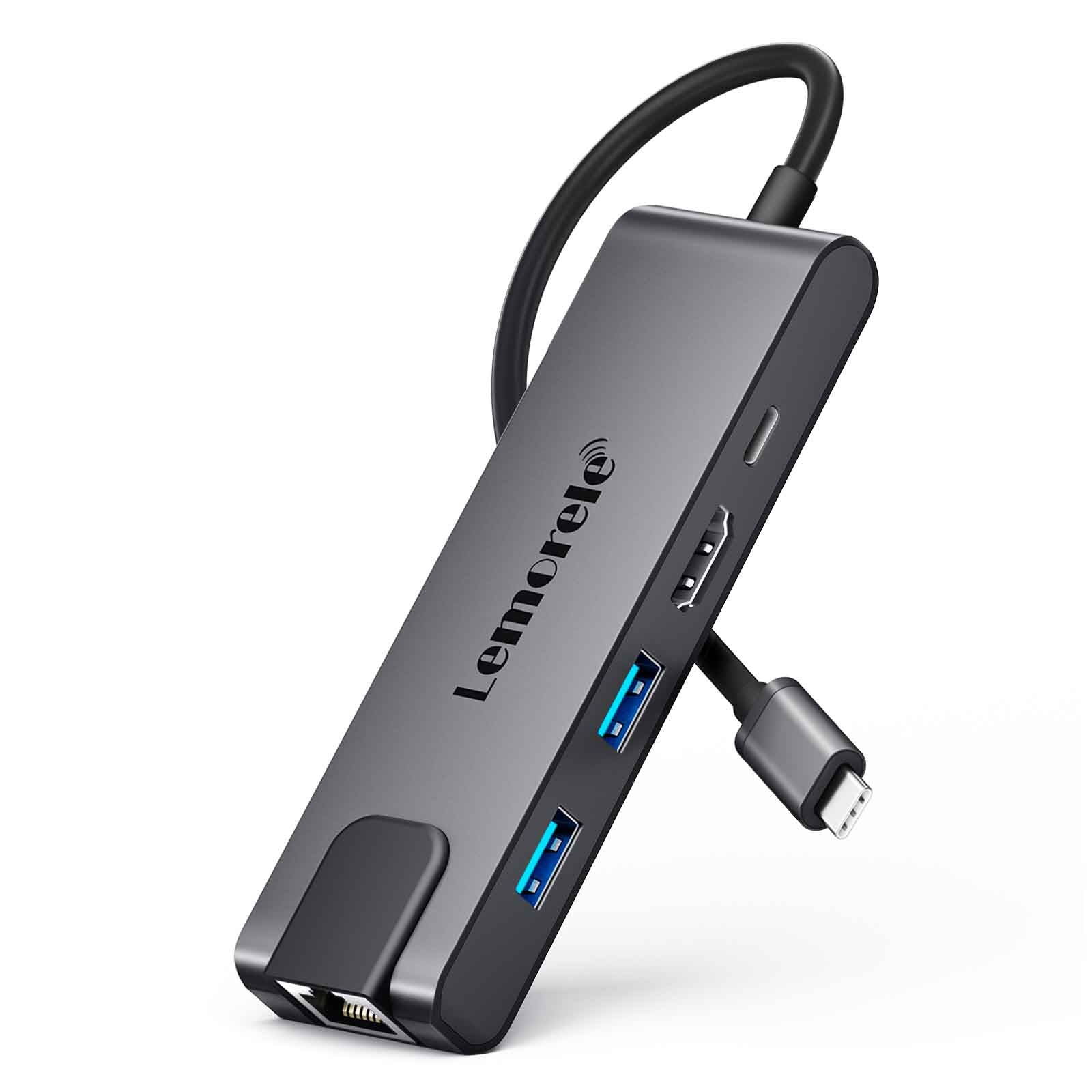
Lemorele TC24L USB-C Hub 5-in-1
TC24L is the simpler wired-workstation option: one HDMI output up to 4K at 30 Hz, Gigabit Ethernet, three USB-A ports and up to 100 W Power Delivery.
Best fit: A desk or travel setup that needs reliable wired networking, one external display and basic USB expansion without paying for dual HDMI or card readers.
Open product guide →Lemorele USB-C hub FAQ.
Which Lemorele hub has two HDMI ports?
TC66 has two HDMI outputs. Lemorele currently lists up to 4K at 30 Hz when one HDMI is used and up to 1080p at 60 Hz when both HDMI outputs are used.
Which option is best for a MacBook with SD cards?
TC14L is the most card-reader-oriented choice here because it includes separate SD and TF slots plus HDMI, USB and USB-C data. Check the official compatibility list first: the current page explicitly says it does not support M1 Mac devices.
Which Lemorele hub adds Gigabit Ethernet?
TC24L is the straightforward Ethernet choice in this comparison. Its current official specification lists a 10/100/1000M RJ45 port alongside HDMI, USB-A and Power Delivery.
Can TC66 extend two different external displays on a Mac?
The current Lemorele TC66 documentation says Windows supports MST-style extended layouts, while Apple laptops are limited to mirroring behavior for the external displays. Verify your exact Mac model and display requirement before buying.
Should I choose the hub with the most ports?
Not automatically. Choose by the missing capability: TC66 for dual-display Windows desks, TC14L for a compatible MacBook plus SD/TF workflow, or TC24L for one display plus wired Gigabit Ethernet and basic USB expansion.
Match the hub to your laptop and desk before checking the offer.
Read4Max may earn a commission if you later use a sponsored retailer link on a product guide, at no extra cost to you. This comparison is designed to reduce mismatched purchases, not to push the highest-port-count model.