A dedicated Fortnite destination
The current official campaign includes a page for Fortnite, giving the test a game-specific starting point instead of a generic download link.
A practical guide to the official GearUP routing profile for Fortnite, focused on setup, controlled testing, subscription checks and the limits that still depend on the player’s ISP, location, local network and game servers.
Read4Max may earn a commission when you use this partner link.
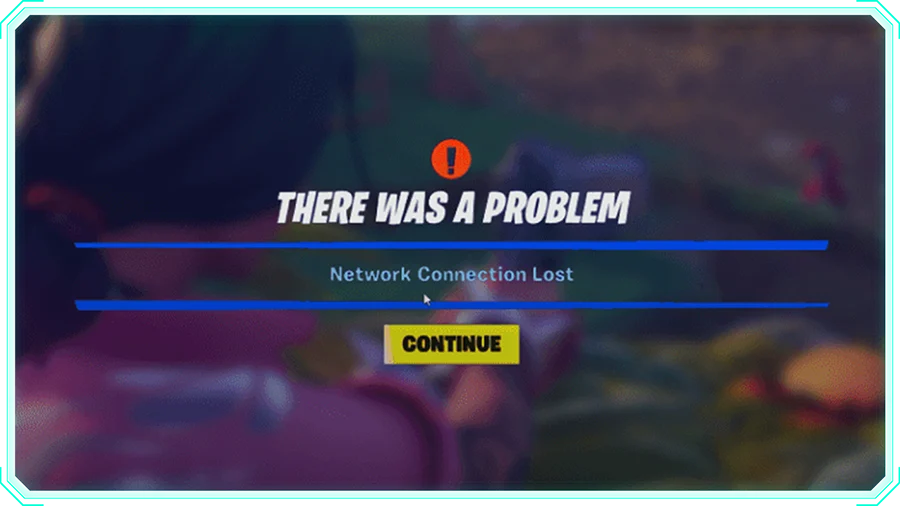
A player may see an inconsistent route to Fortnite even when the computer and internet plan appear normal. This page is for Fortnite players testing whether a different route is more consistent for their location and selected region. It explains how to test GearUP as an alternative route without treating marketing claims as a guaranteed improvement or overlooking Wi-Fi, hardware and server-side causes.
The current official campaign includes a page for Fortnite, giving the test a game-specific starting point instead of a generic download link.
GearUP is positioned as a routing tool. The useful decision is whether its selected path performs more consistently than the ordinary ISP route under the same server, region and time conditions.
Record the normal route first, then test the GearUP profile with the same game region and similar session conditions. A controlled comparison is more useful than one isolated ping reading.
GearUP provides a support centre, usage guidance and an auto-renewal FAQ. These sources help users check current compatibility, billing and cancellation steps before relying on the service.
Use the profile during Battle Royale, Zero Build or party sessions affected by an unstable route, then compare latency variation, disconnects and general consistency with the ordinary route.
A new provider, router or location can change the path to Fortnite. Re-test rather than assuming an earlier result will remain valid.
Use any currently offered trial or short evaluation period to test the exact device, region and play schedule, then check renewal and cancellation terms before the next billing date.
No. It offers another routing path to test, but the result depends on the complete connection between the player and the selected game server. Compare under similar conditions and keep the service only if the measured result is useful for your setup.
Use the same device, connection type, game region and similar time window. Compare latency variation, packet loss where measurable, disconnects and overall stability rather than relying on a single best ping number.
The current campaign can present trials or paid membership options, but exact offers may change. Check the official destination and checkout for the current price, duration, included devices and renewal terms.
Review the official auto-renewal FAQ and the cancellation controls for the account or store used to subscribe. Cancel before the stated renewal deadline and retain the confirmation provided by the service or payment platform.
A practical guide to the official GearUP routing profile for Fortnite, focused on setup, controlled testing, subscription checks and the limits that still depend on the player’s ISP, location, local network and game servers.
Each recommendation shows why it belongs here.

A practical guide to the official GearUP routing profile for supported online games, focused on setup, controlled testing, subscription checks and the…
A practical guide to the official GearUP routing profile for Apex Legends, focused on setup, controlled testing, subscription checks and the limits…
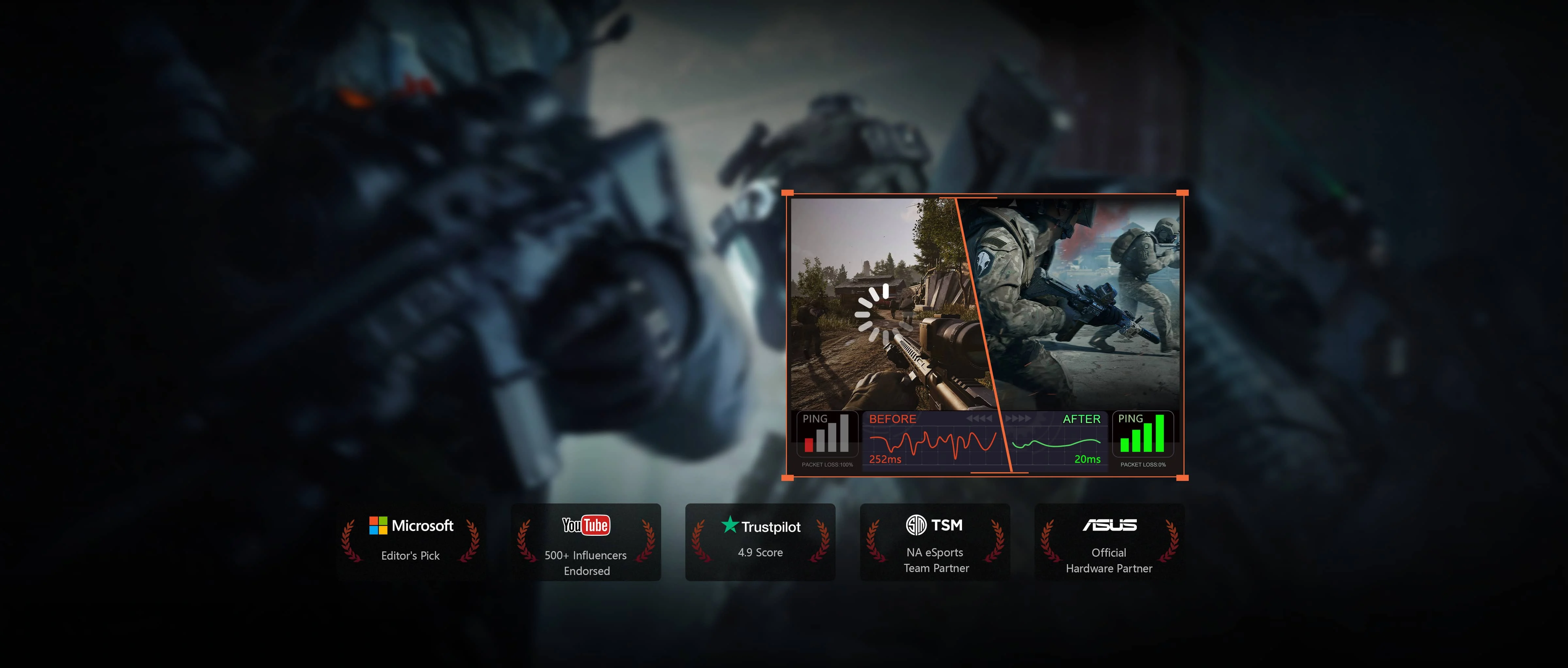
A practical guide to the official GearUP routing profile for Arena Breakout: Infinite, focused on setup, controlled testing, subscription checks and…
Use the provider comparison to decide which routing approach and platform fit are worth testing before paying.